पूरे दस्तावेज़ का अनुवाद करें। उसका दृश्य स्वरूप बनाए रखें।
प्रोजेक्ट डिफ़ॉल्ट रूप से आपके डिवाइस पर सहेजे जाते हैं। AI सुविधाएँ चुनी हुई सामग्री को प्रोसेसिंग के लिए भेजती हैं; PDF कार्यप्रवाह में निकाला गया टेक्स्ट और मूल PDF भी भेजा जा सकता है।
Use Cases
Where PixLate works best
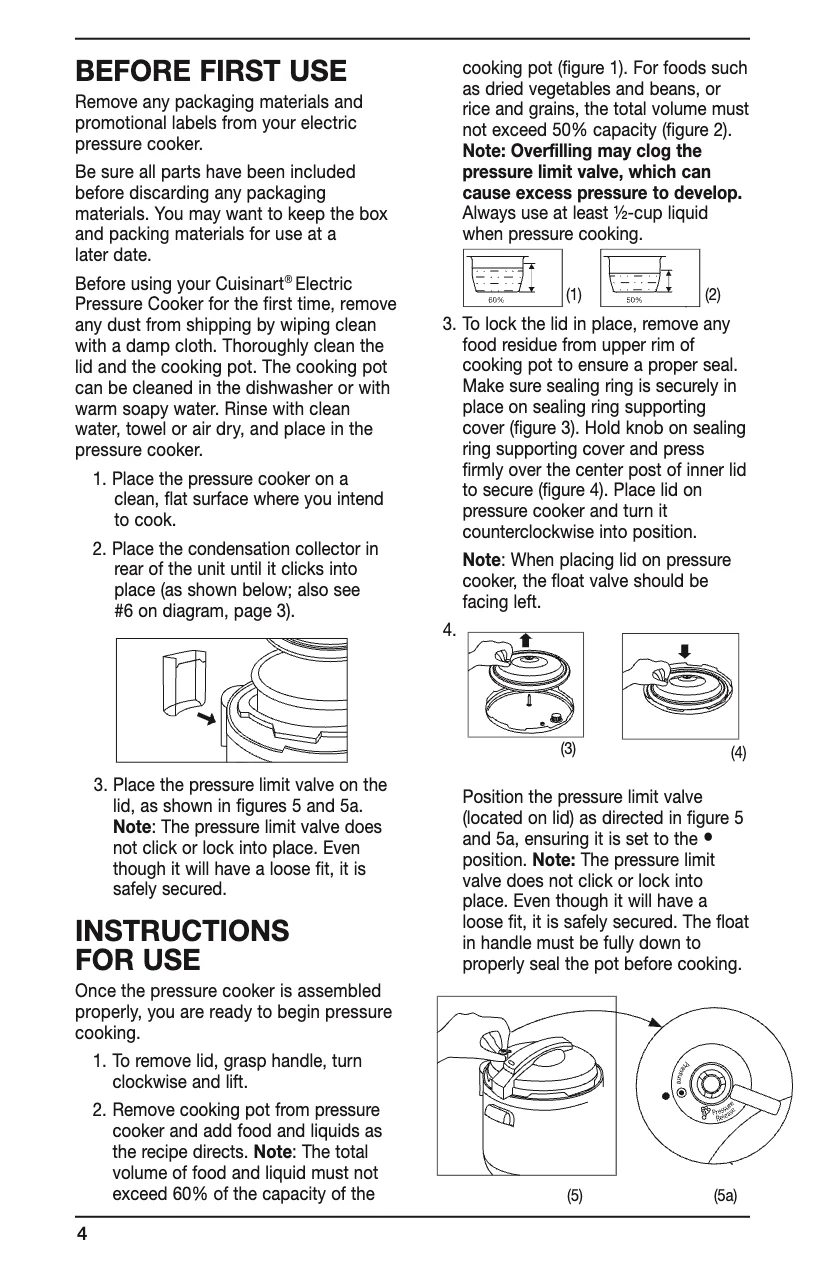
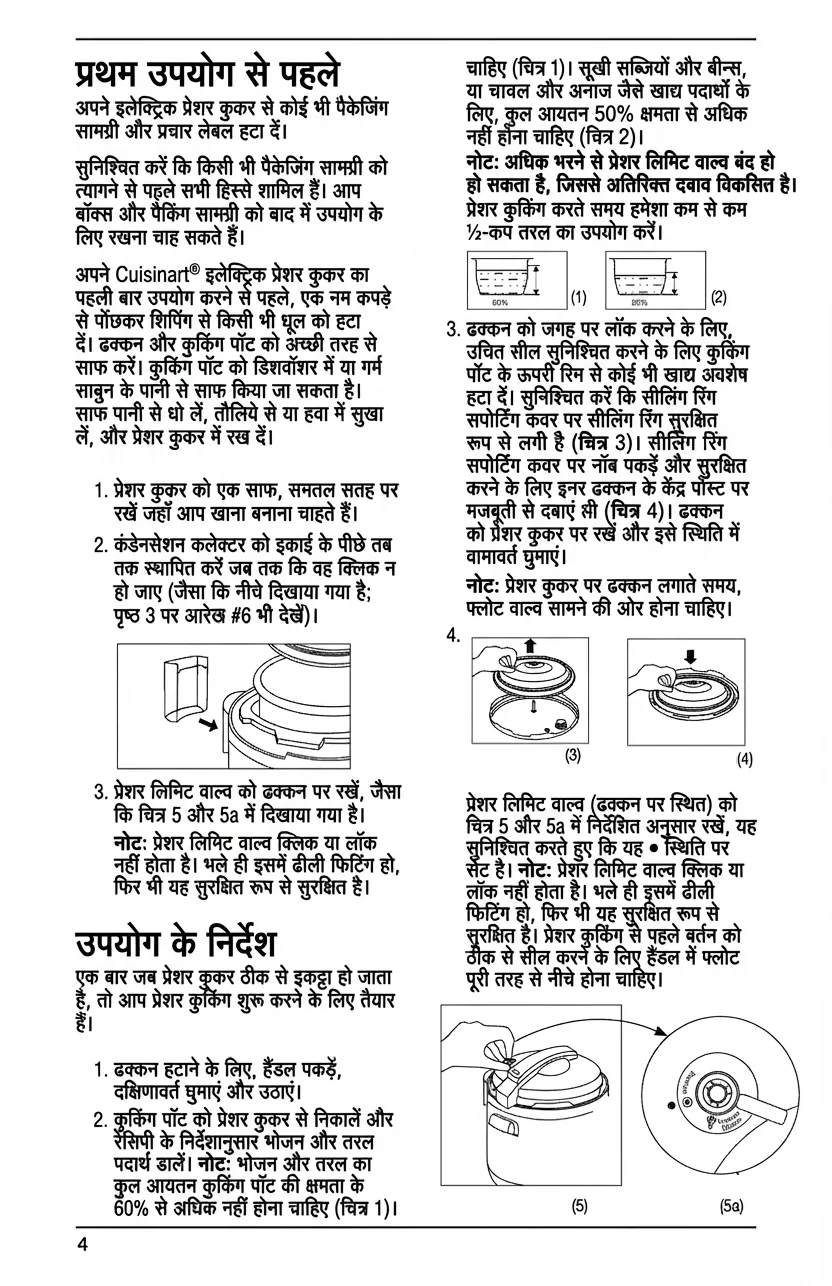
PDF documents, scanned pages, and images with text inside the artwork or layout.
Browse scenarios
Switch between common page types to see where PixLate preserves the layout and still leaves room to review.
Active Preview
Children's Books
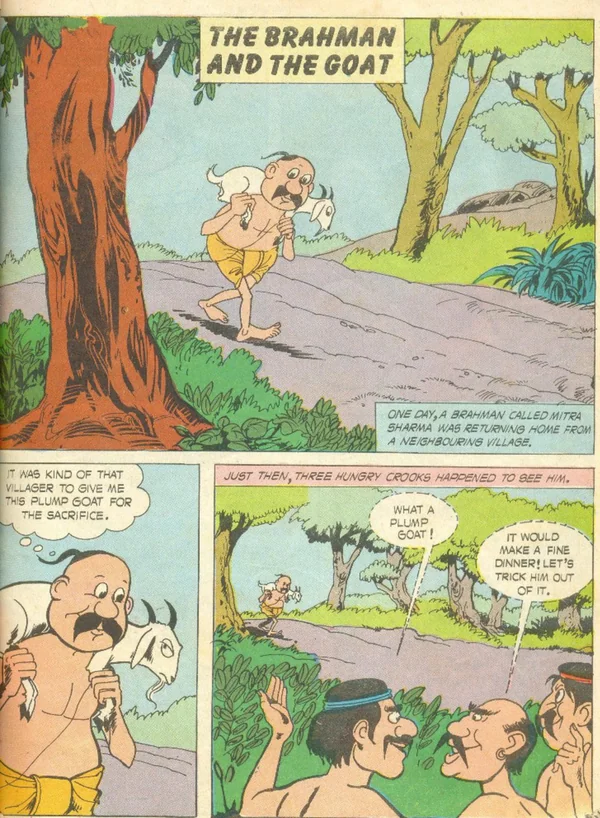
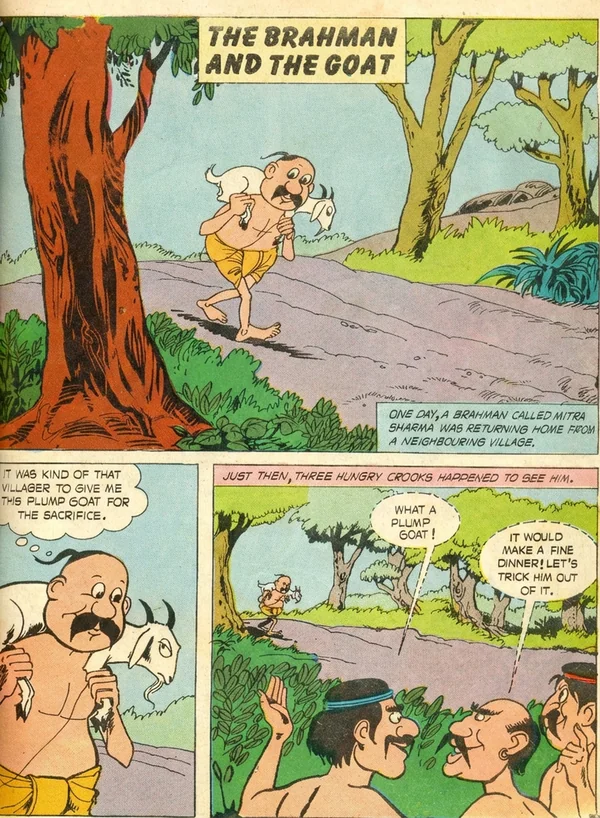
Translate illustration-led pages, then review the output before you export it for reading.
Explore Children's Booksयह कैसे काम करता है
मूल दस्तावेज़ से अनुवादित परिणाम तक
दस्तावेज़ जोड़ें
PDF या छवियाँ आयात करें और अपने डिवाइस पर प्रोजेक्ट में प्रगति सहेजें।
सभी पृष्ठों का अनुवाद करें
भाषा चुनें और खर्च की सीमा की पुष्टि करें। लाइव प्रोसेसिंग के दौरान ऐप खुला रखें।
परिणामों की समीक्षा करें
ध्यान माँगने वाले पृष्ठों को हल करें और ज़रूरत के अनुसार परिणाम संपादित करें।
दस्तावेज़ डाउनलोड करें
पृष्ठों को क्रम में निर्यात करें। डाउनलोड विकल्प बताते हैं कि किन पृष्ठों में मूल सामग्री बनी हुई है।
Common Questions
Everything you need to know about formats, storage, workflow, and file handling.
पूरे दस्तावेज़ का अनुवाद करें। उसका दृश्य स्वरूप बनाए रखें।
पुस्तकों, स्कैन और चित्रयुक्त PDF का अनुवाद करें। भाषा चुनें, परिणामों की समीक्षा करें और अनुवादित दस्तावेज़ डाउनलोड करें।
क्रेडिट कार्ड की जरूरत नहीं। साइन अप पर मुफ़्त पेज शामिल।