文書全体を翻訳。見た目の特徴を保ちます。
プロジェクトは標準でお使いの端末に保存されます。AI機能は選択した内容を処理のために送信します。PDFの処理では、抽出したテキストや元のPDFも送信する場合があります。
1 / 8
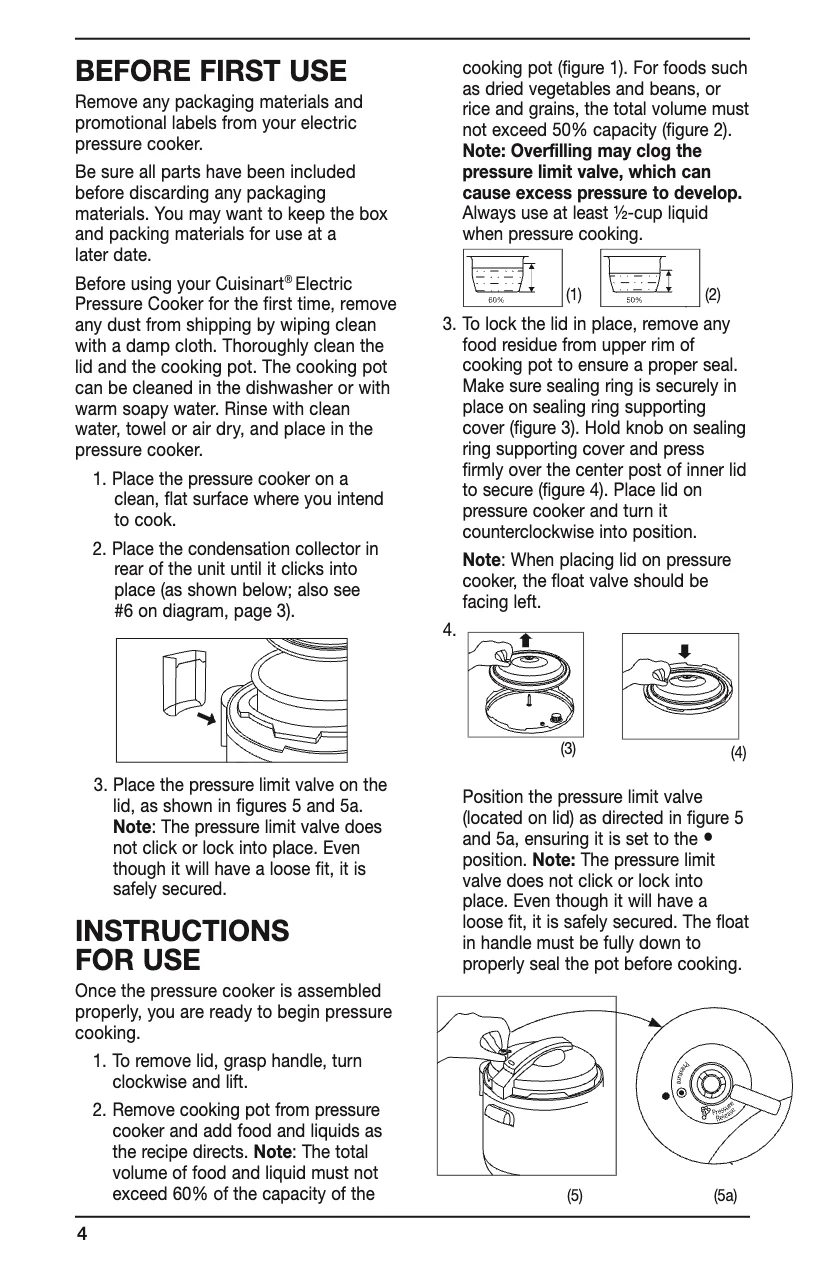
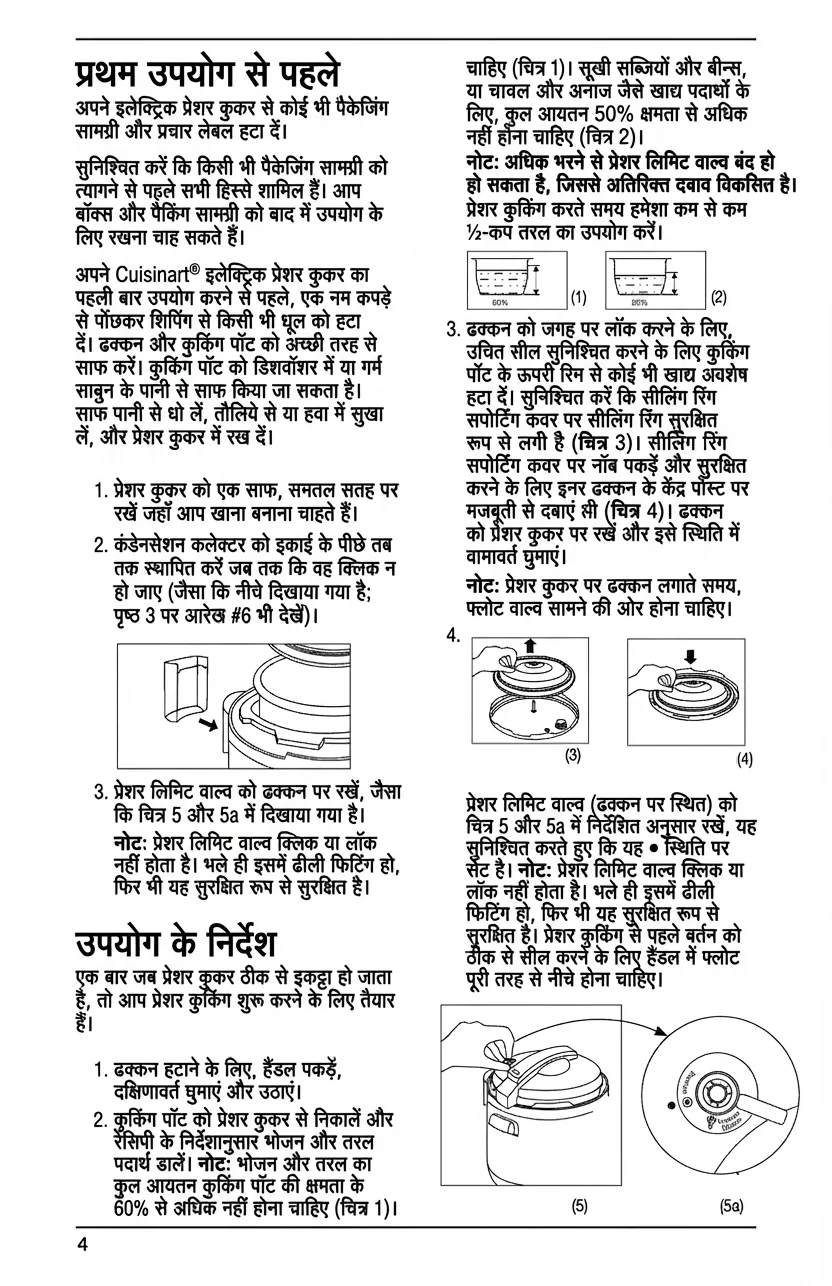
🇬🇧Original (English)
Use Cases
Where PixLate works best
PDF documents, scanned pages, and images with text inside the artwork or layout.
Browse scenarios
Switch between common page types to see where PixLate preserves the layout and still leaves room to review.
Active Preview
Children's Books
1 / 8
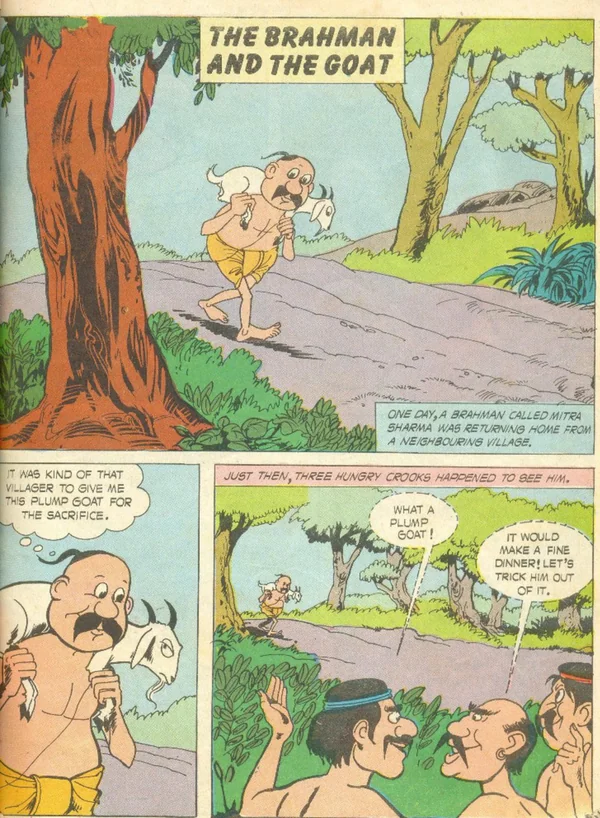
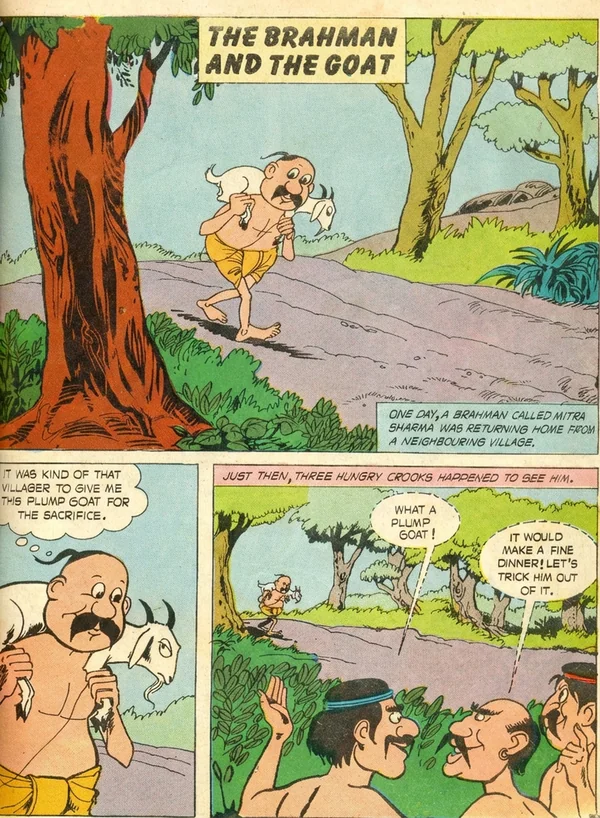
🇬🇧Original (English)
Translate illustration-led pages, then review the output before you export it for reading.
Explore Children's Books仕組み
元の文書から翻訳結果まで
01
文書を追加
PDFや画像を読み込み、端末内のプロジェクトに進捗を保存します。
02
すべてのページを翻訳
言語を選び、支出上限を確認します。ライブ処理中はアプリを開いたままにしてください。
03
結果を確認
対応が必要なページを確認し、必要に応じて結果を編集します。
04
文書をダウンロード
ページ順に書き出します。元の内容が残るページはダウンロード設定で確認できます。
Common Questions
Everything you need to know about formats, storage, workflow, and file handling.
PixLate supports PDF, JPEG, PNG, and WebP. For PDFs with selectable text, Text Layer mode translates detected text boxes at lower cost and keeps translated text editable. Scanned, illustrated, or layout-heavy pages can use Visual AI instead.
文書全体を翻訳。見た目の特徴を保ちます。
書籍、スキャン、イラスト入りPDFを翻訳。言語を選び、結果を確認して、翻訳した文書をダウンロードできます。
クレジットカード不要。サインアップで無料ページ付き。