Translate any image-based document. Keep the layout intact.
Files stay on your device. PixLate only sends page images for the AI operations you run.
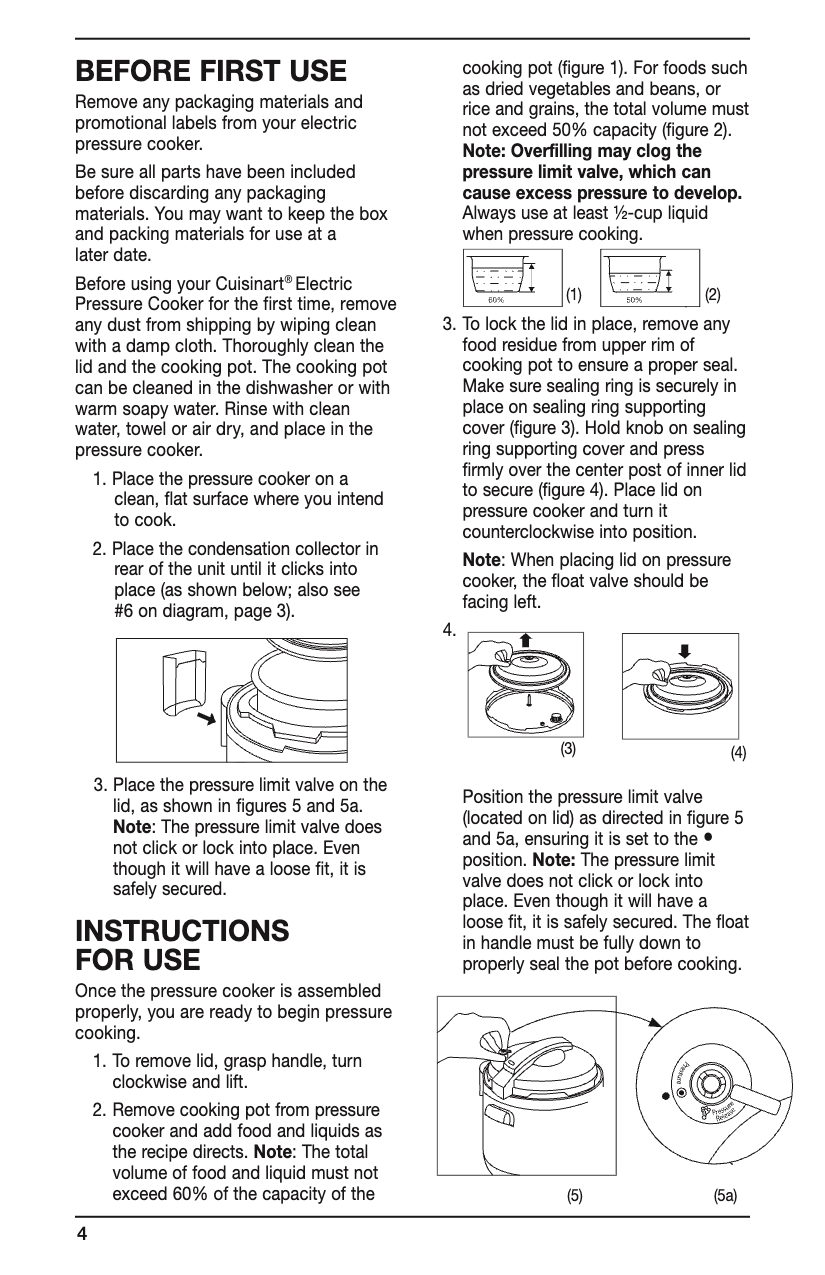
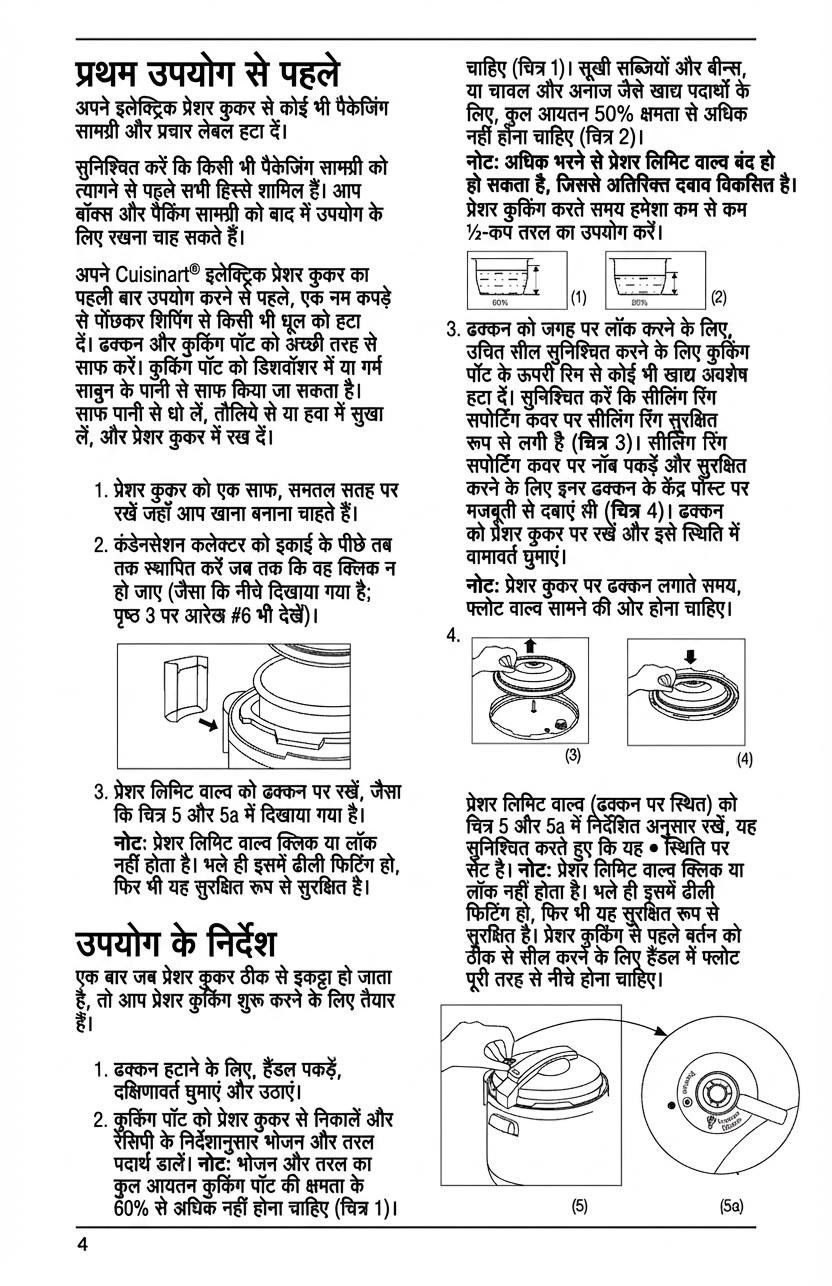
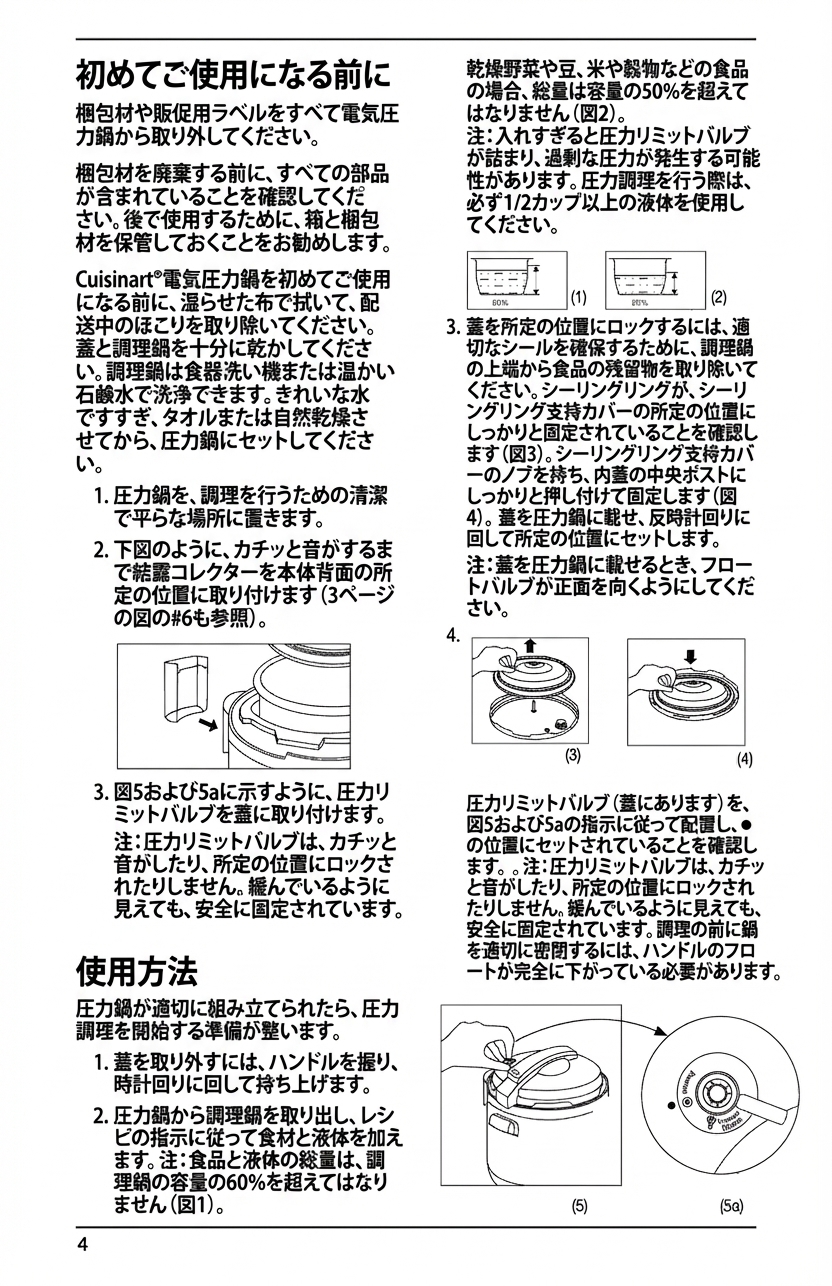
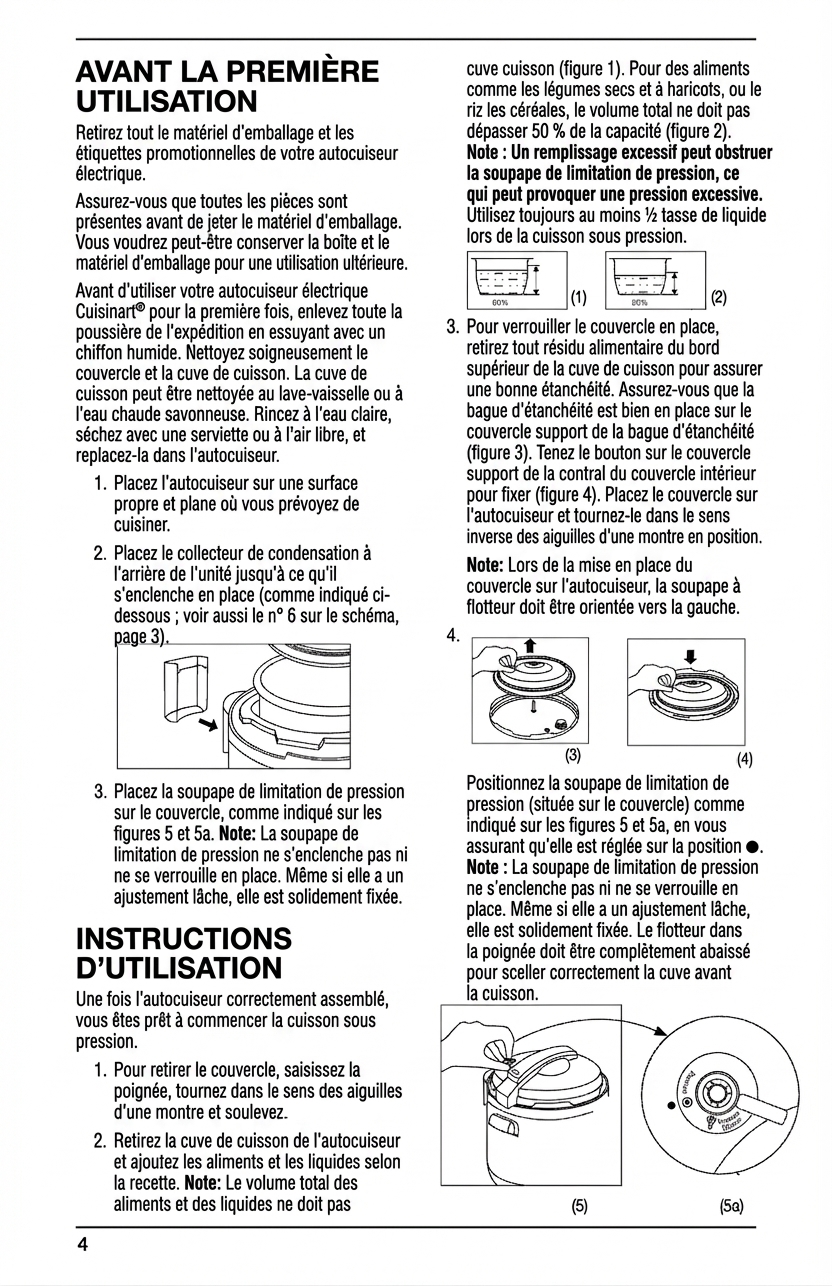
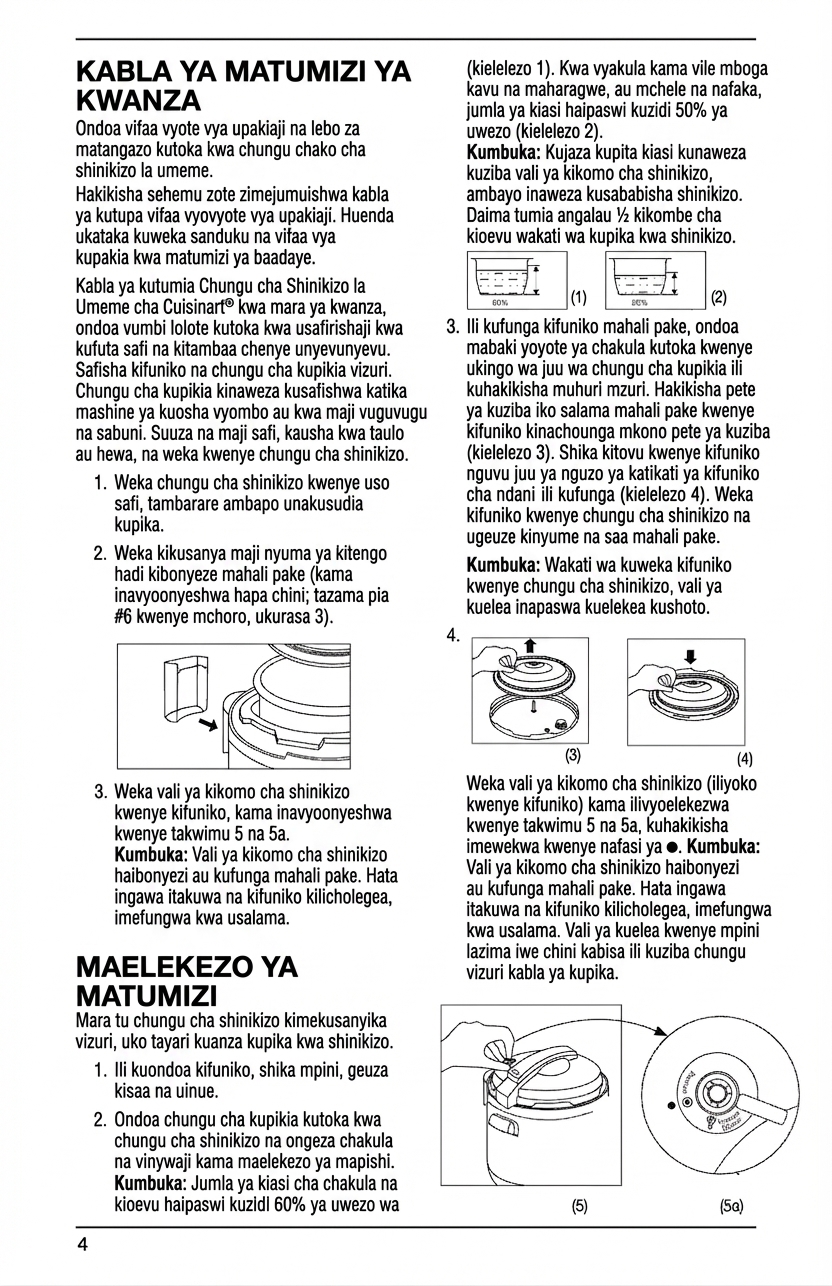
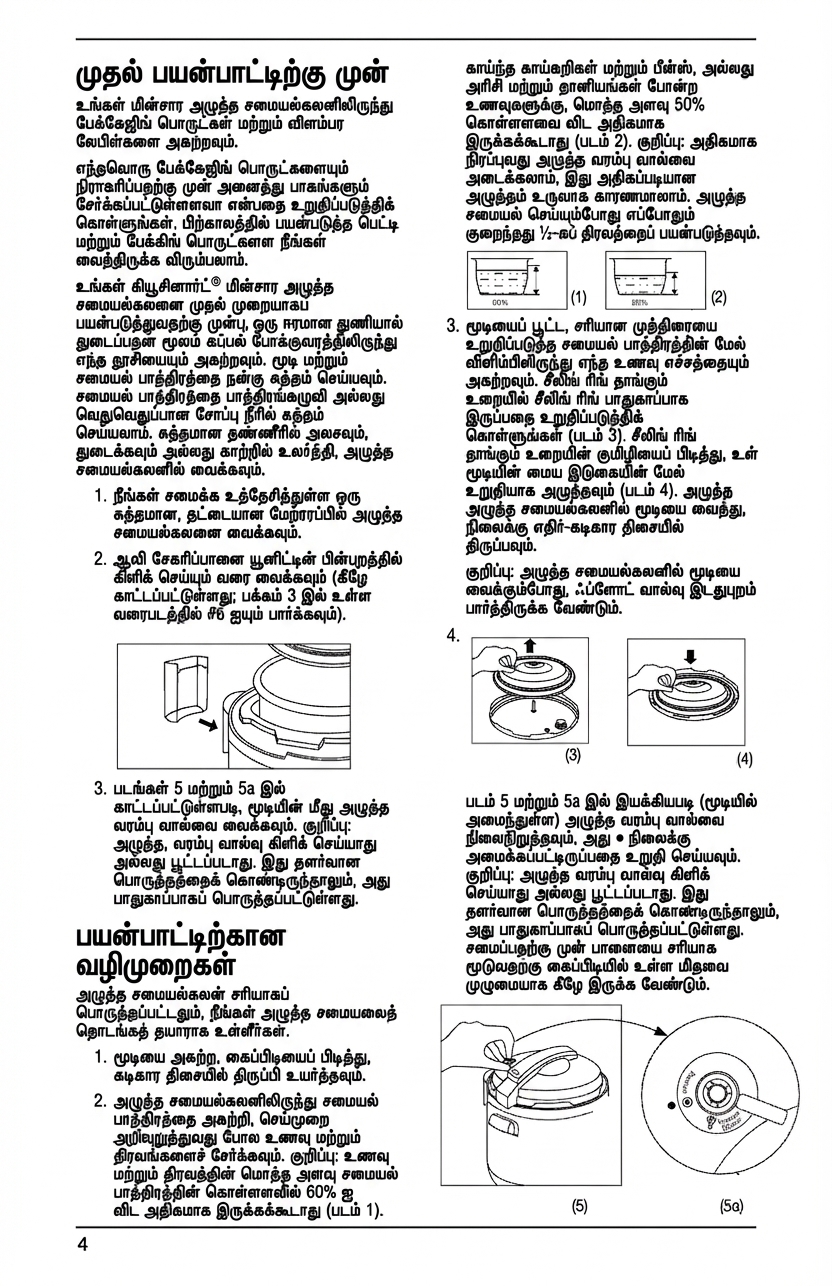
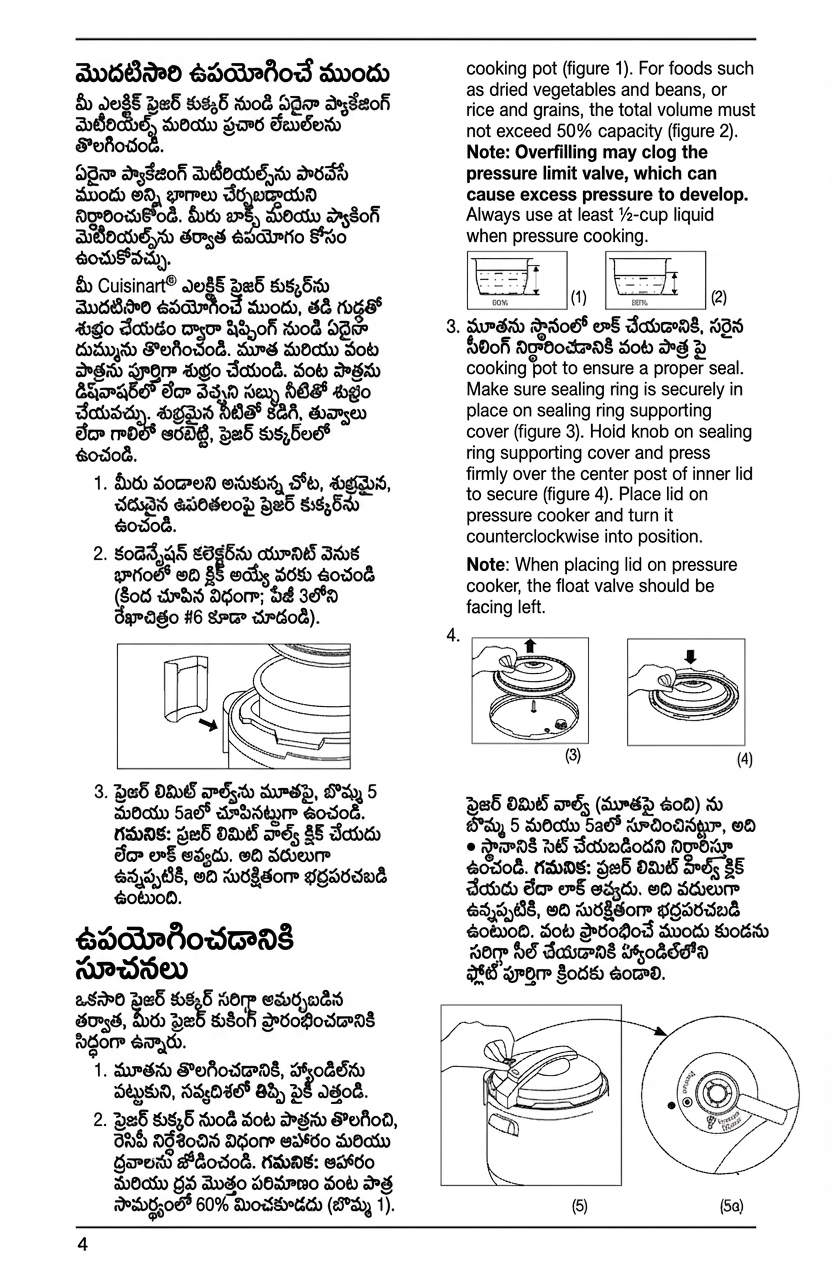
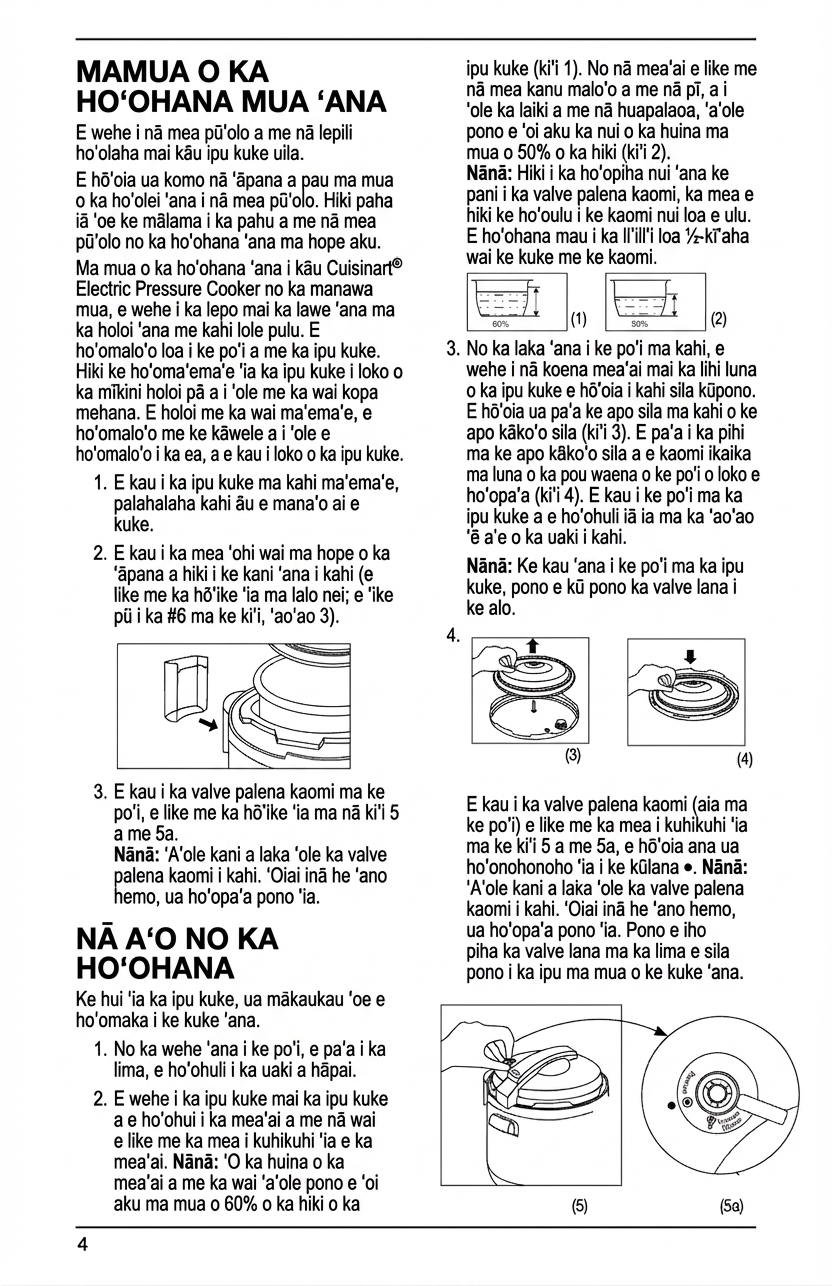
Supported document types
How it works
Four steps from original document to translated result
Upload
Drop in a PDF, JPEG, or PNG — single pages or full documents
Clean
AI removes existing text and restores the background, leaving the artwork intact
Translate
Pick your target language. AI translates and renders text back in place with matching typography
Export
Download as PDF or images — all translated languages in one export
Layout preservation, not just word replacement
Most translation tools work on extracted text. PixLate works on the image itself — removing the original text, restoring the background art, and rendering the translation back in exactly the right place with matching font size and style.
- Speech bubbles, captions, and labels stay in position
- Background artwork is restored under translated text
- Typography adapts to fit the target language
- Edit any translation in the browser before exporting
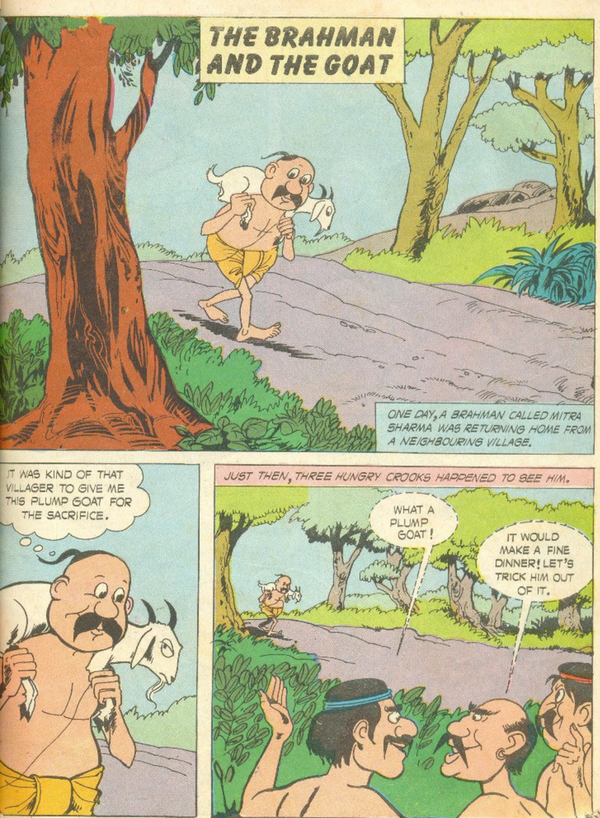
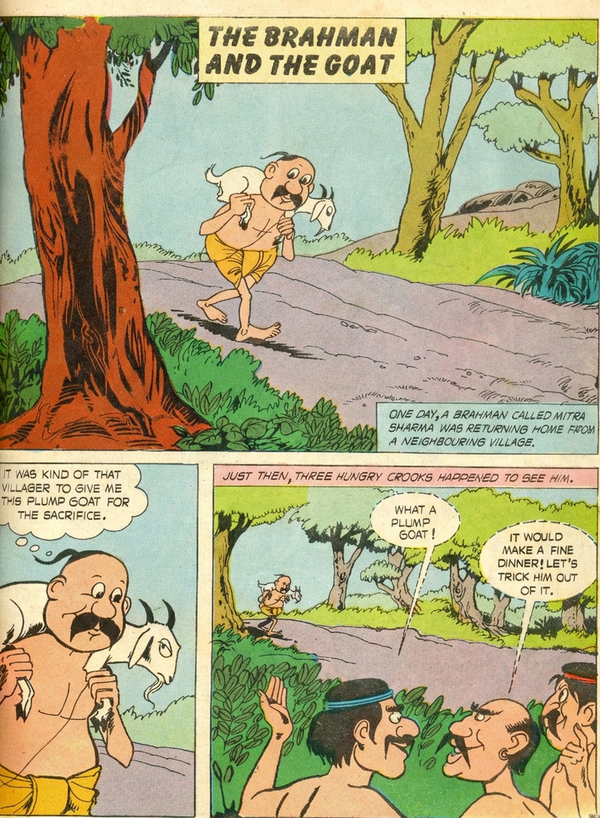
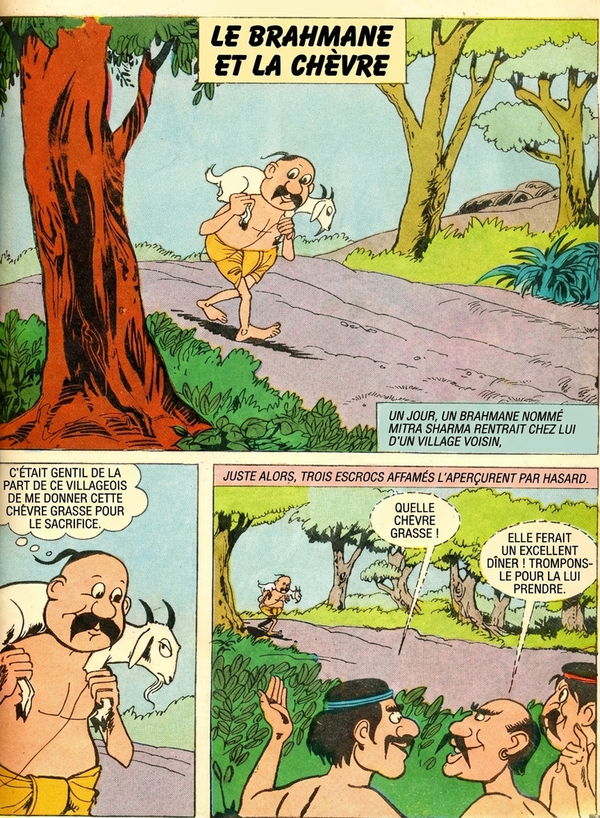
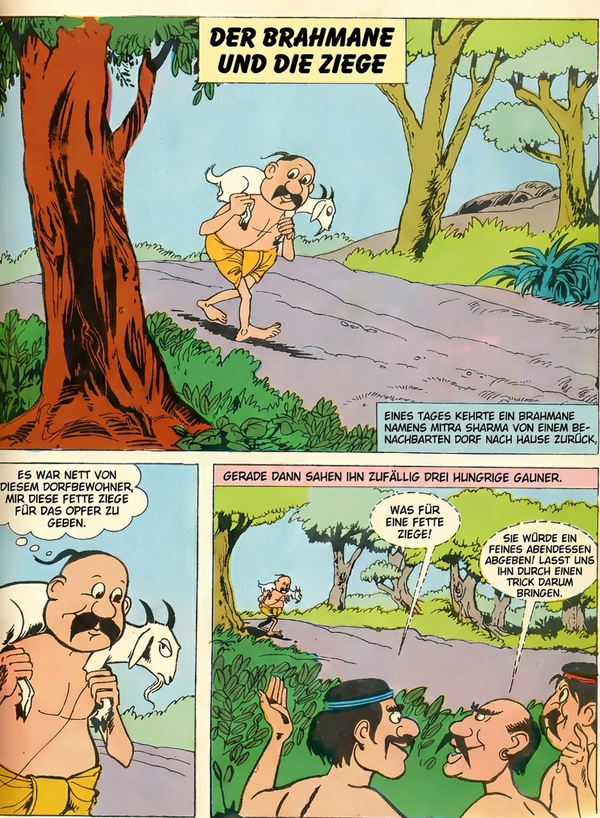
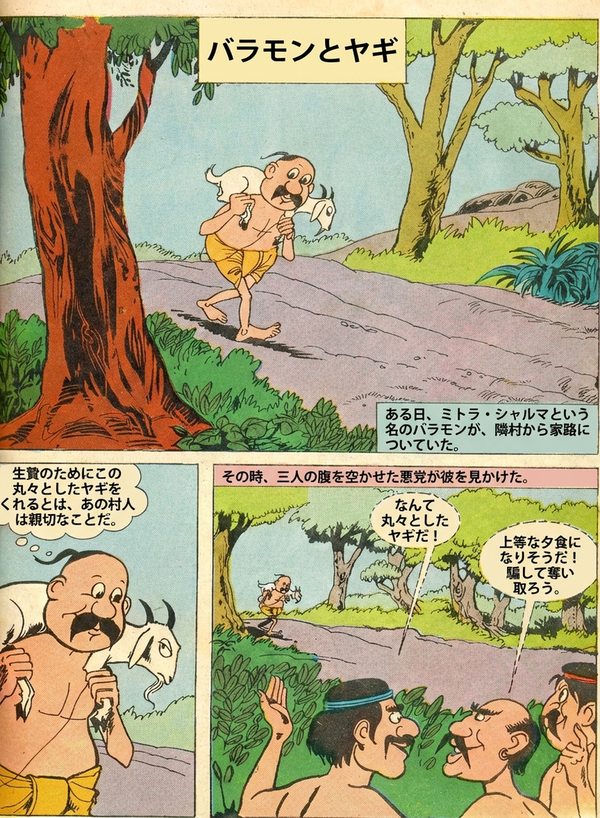
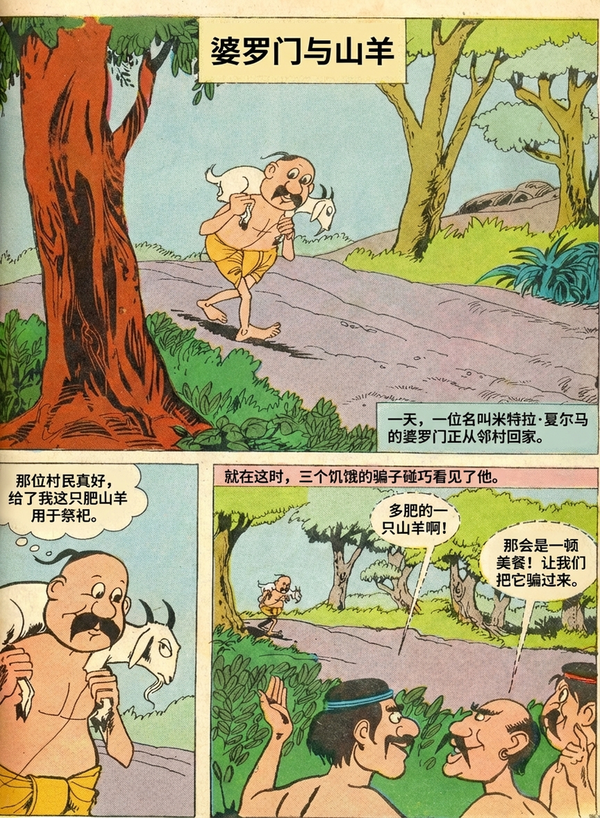
Works for any document type
The same workflow handles comics, books, manuals, and marketing — anything with text on an image.
Comics & Manga
Speech bubbles, sound effects, and panel layouts preserved exactly.
See examples →Children's Books
Playful typography and illustrations kept intact across languages.
See examples →Technical Docs
Diagrams, callouts, and structured layouts survive the translation.
See examples →Marketing Materials
Brochures and ads localized without redesigning from scratch.
See examples →Common Questions
Everything you need to know about formats, storage, workflow, and file handling.
Try your first document free
Upload any image-based document and see a translated result in under a minute. No credit card required.
5 free cleanup pages + 5 free translation pages on sign-up.