コミック・書籍・スキャンページを翻訳。オリジナルレイアウトを保持したまま。
ファイルはデフォルトでデバイスに保存されます。PixLateは実行したAI操作のページ画像のみを送信します。
1 / 9
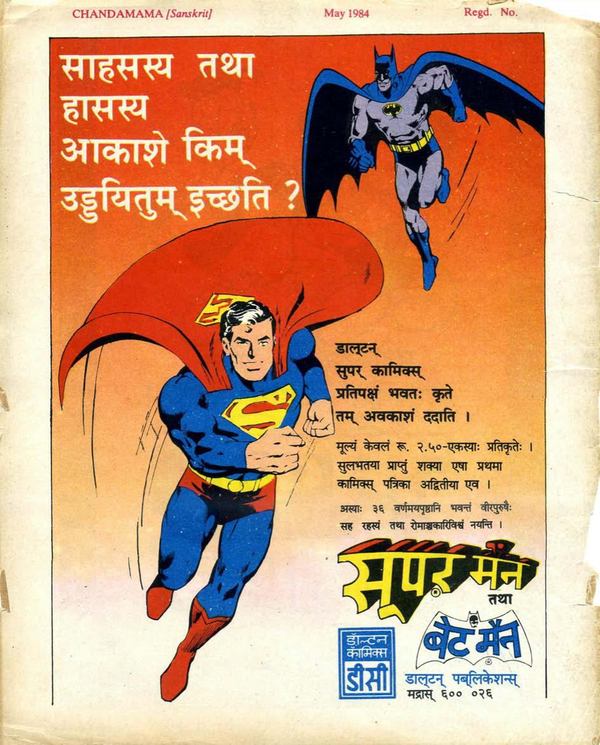
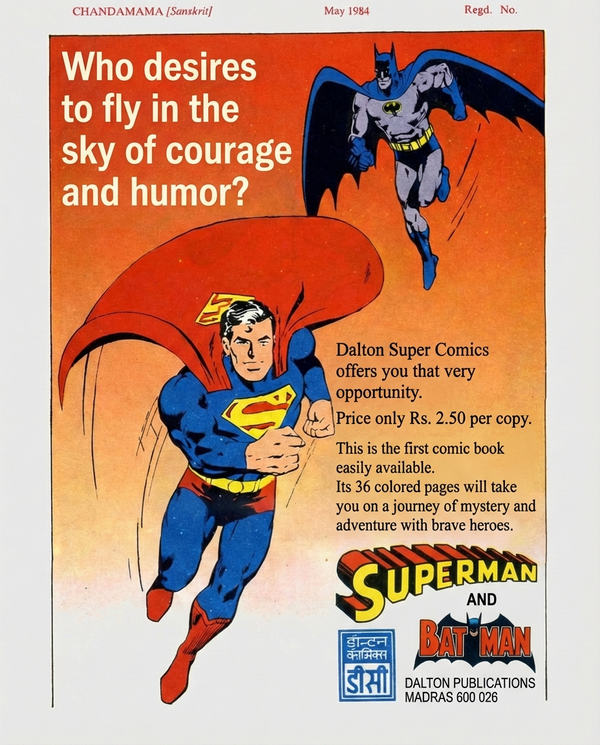
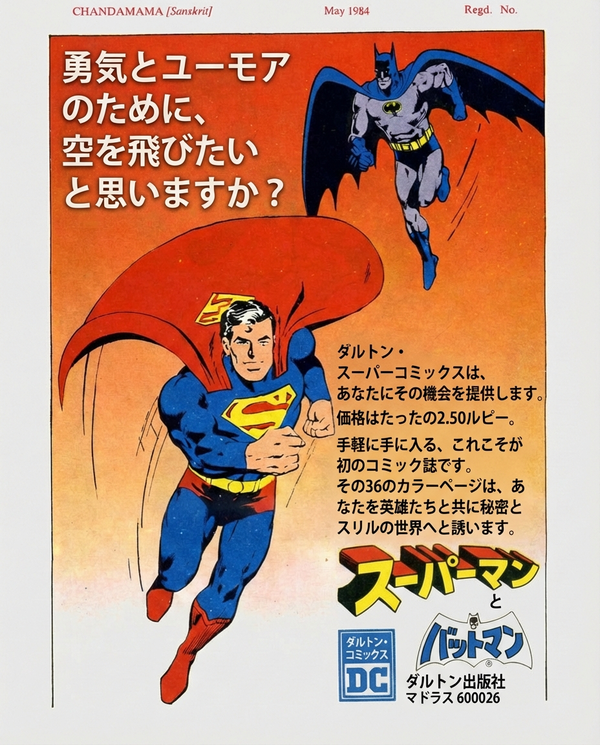
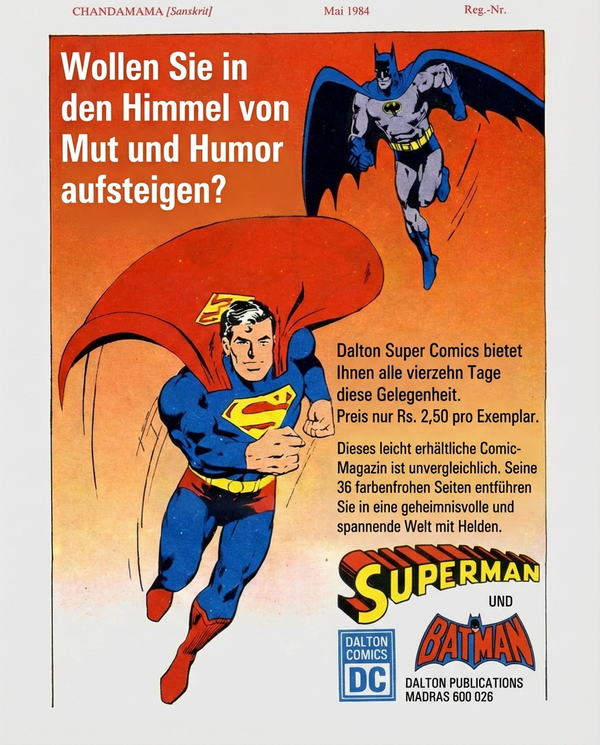
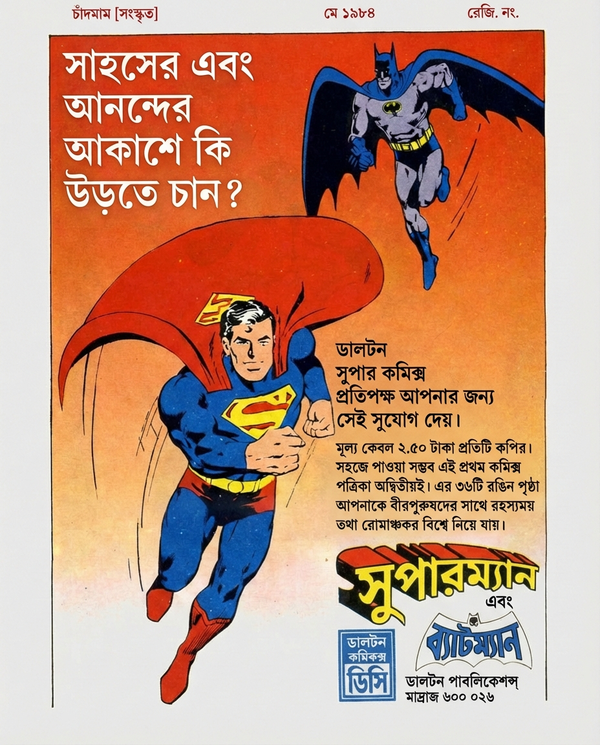
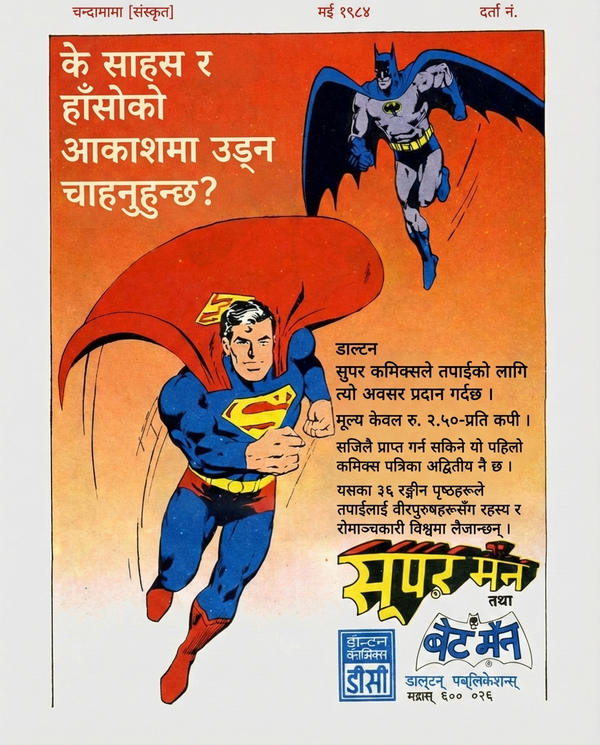
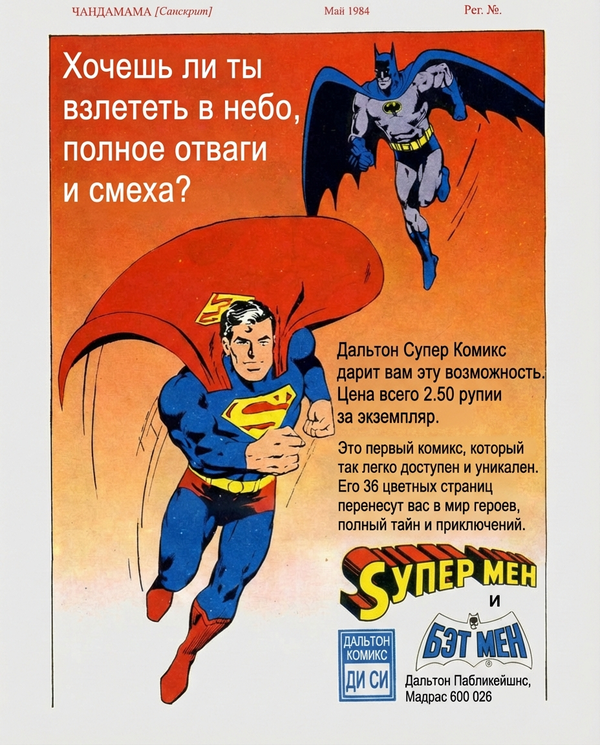
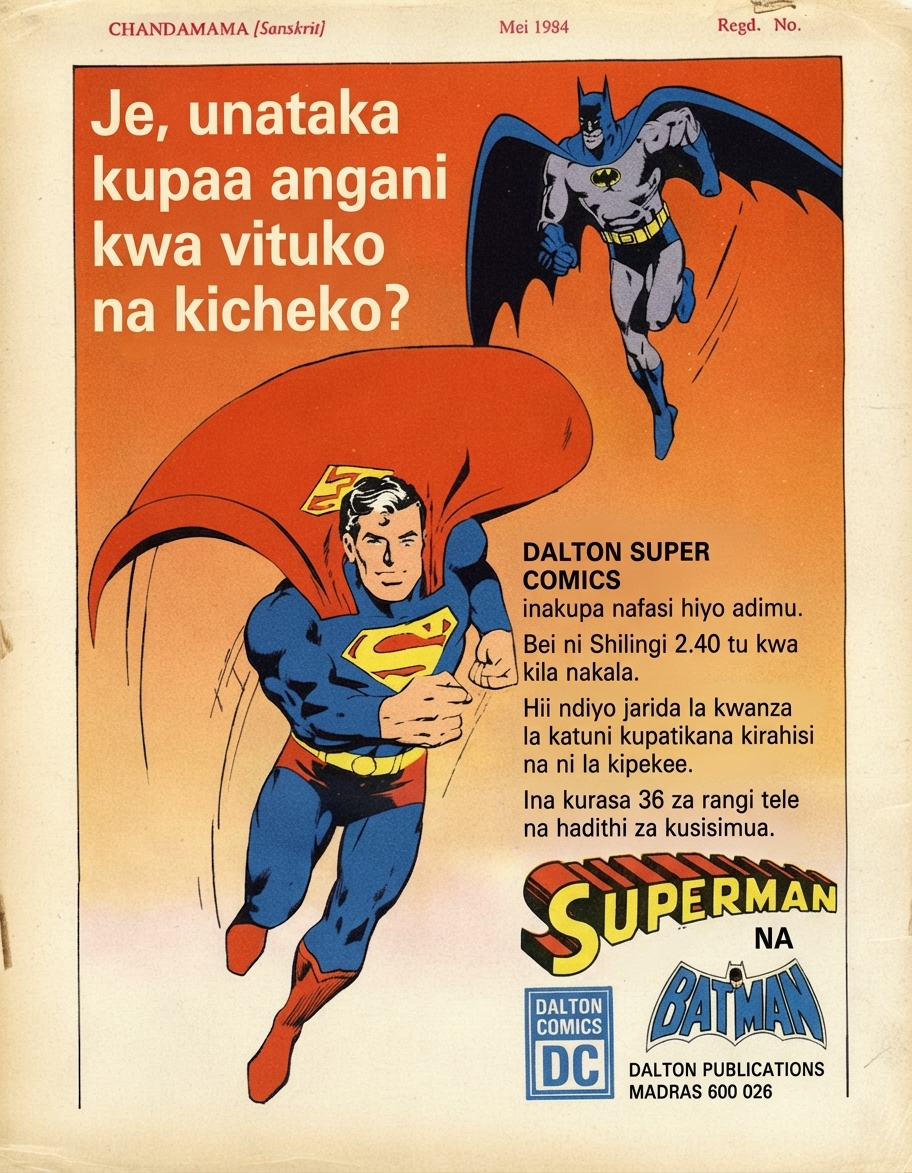
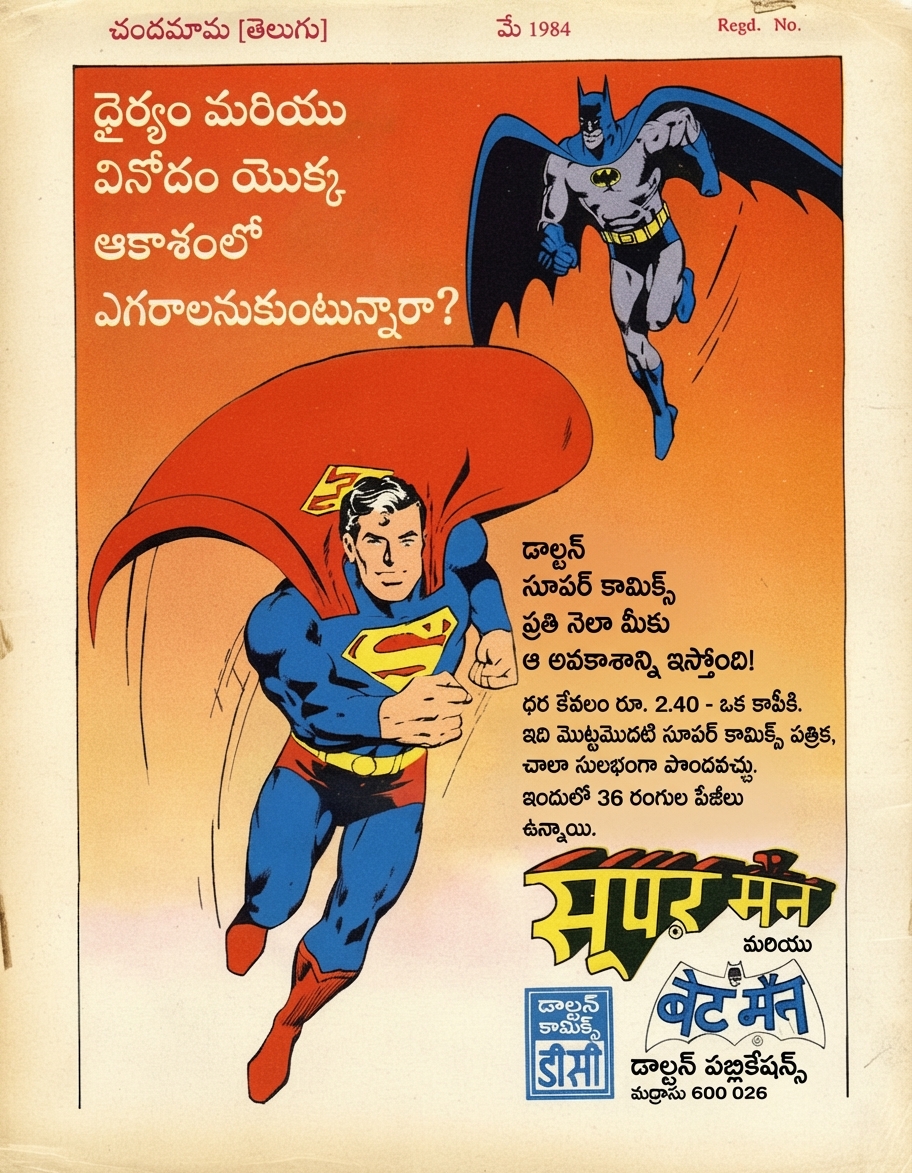
🇮🇳Original (Sanskrit)
Use Cases
Built for every visual document
Comics, books, manuals, marketing. If there's text on an image, PixLate translates it.
Browse scenarios
Switch between common layouts to preview how PixLate preserves structure across languages.
Active Preview
Children's Books
1 / 8
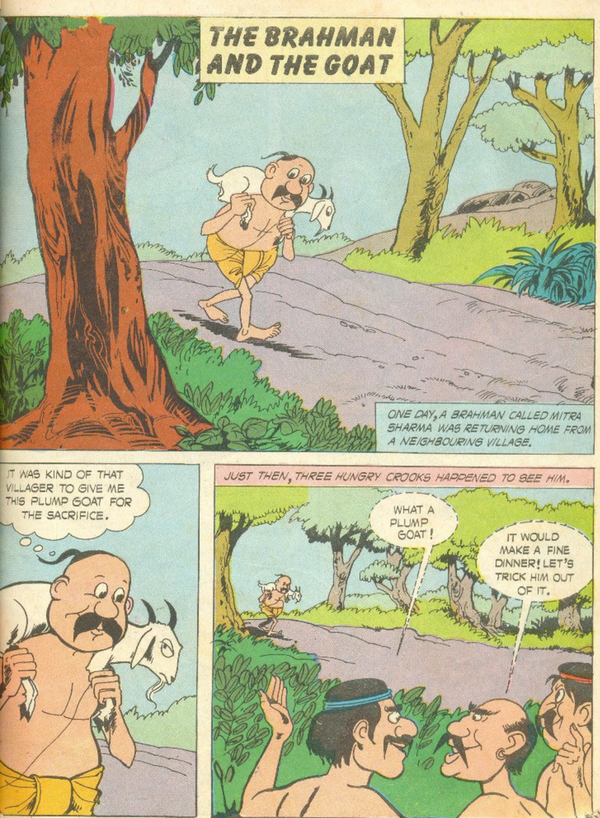
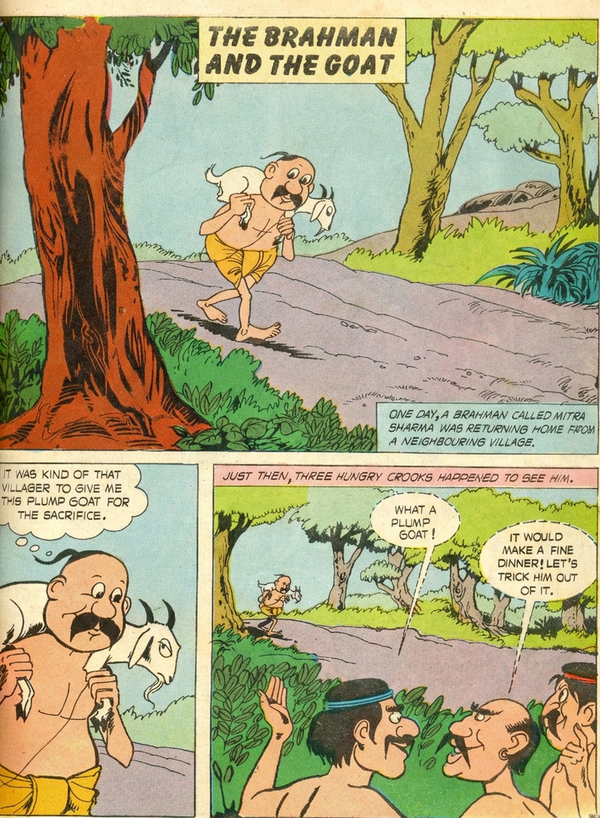
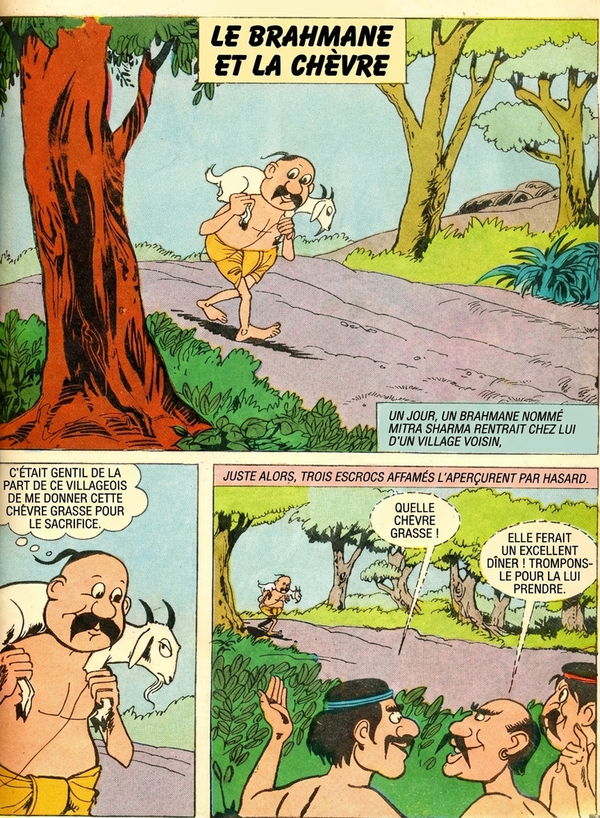
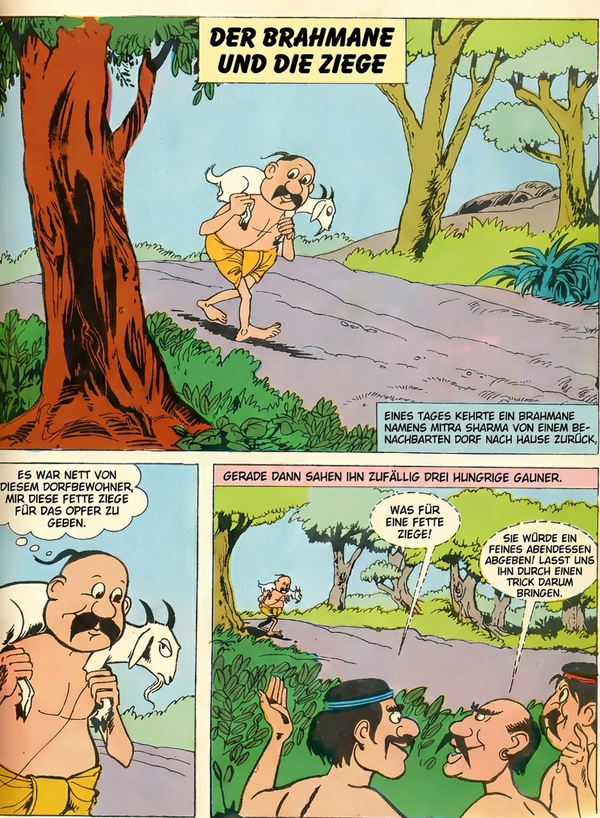
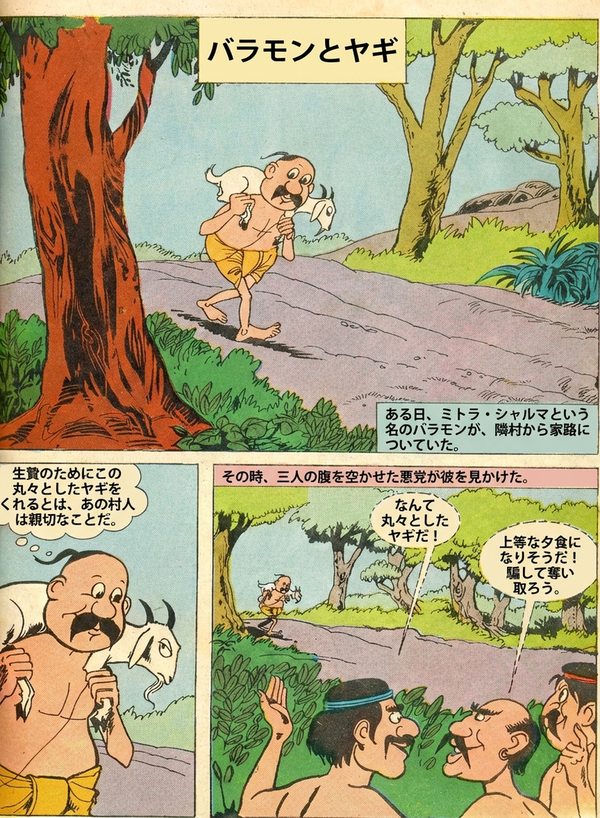
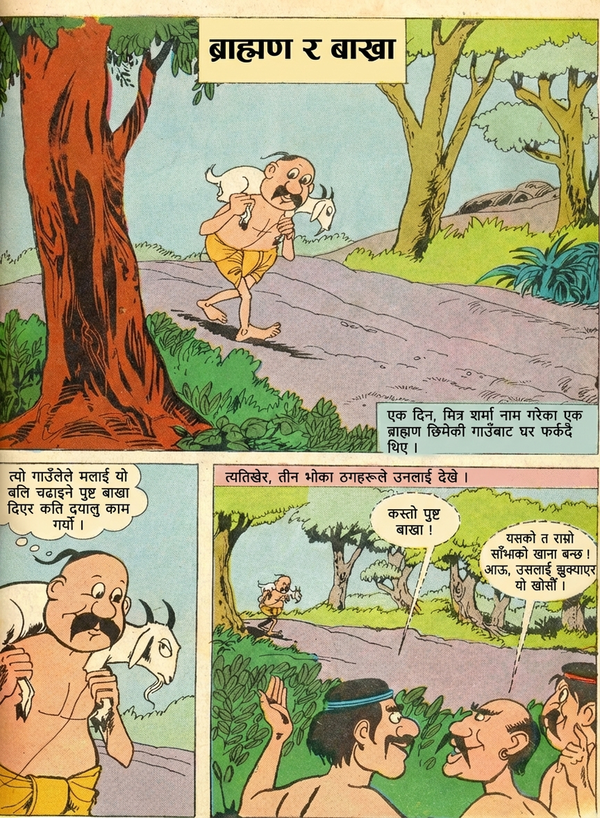
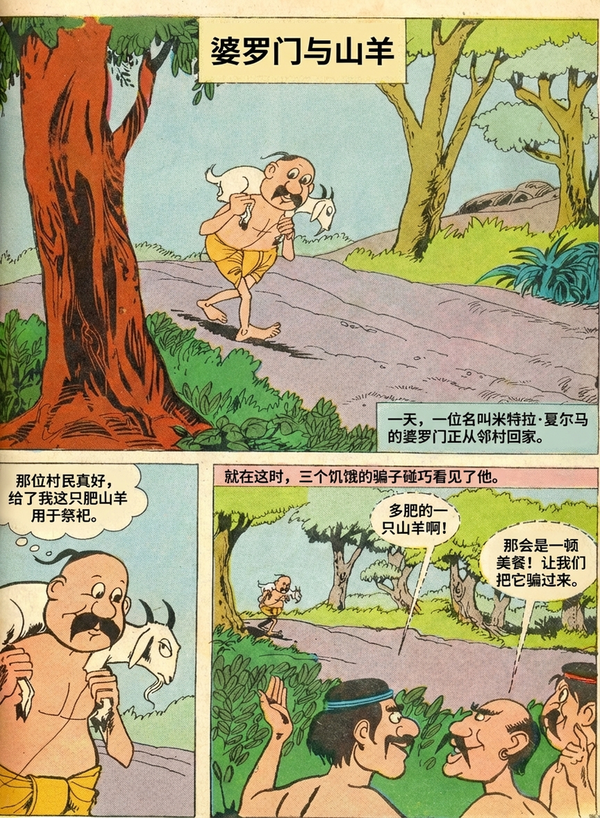
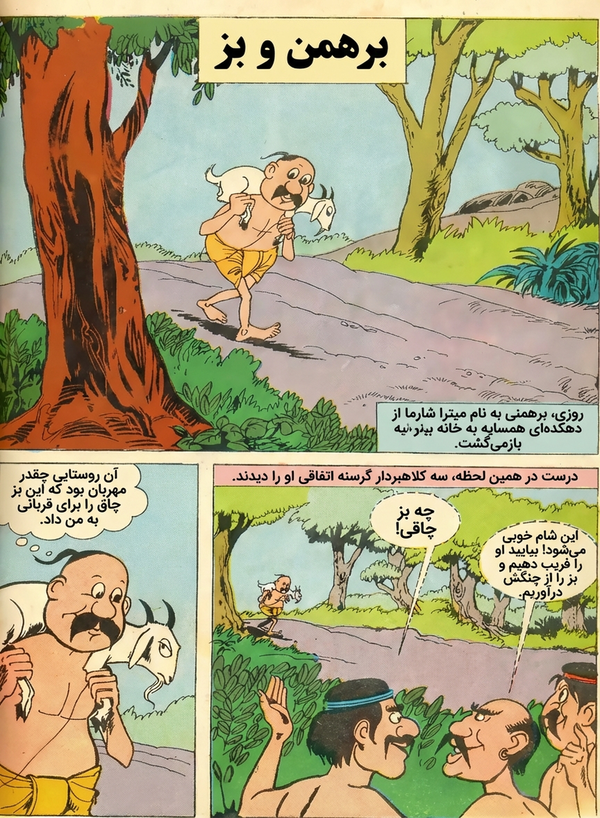
🇬🇧Original (English)
Preserve vibrant, artistic typography across languages.
仕組み
原本ドキュメントから翻訳済み成果物まで4ステップ
01
アップロード
PDF、画像、またはコミックをドロップ — 単ページでも全ドキュメントでも
02
クリーンアップ
AIが既存のテキストを除去し、テキスト領域全体の背景を復元します
03
翻訳
対象言語を選択。AIがレイアウトを検出し、翻訳してテキストをマッチするタイポグラフィで元の位置に配置します
04
エクスポート
PDFまたは画像としてダウンロード — すべての翻訳言語を一度にエクスポート
Common Questions
Everything you need to know about formats, storage, workflow, and file handling.
PixLate supports PDF, JPEG, PNG, and multi-page image documents. You can upload individual images or full documents directly into the editor.