만화, 책, 스캔 페이지를 번역하세요. 원본 레이아웃은 그대로.
파일은 기본적으로 기기에 저장됩니다. PixLate는 실행한 AI 작업의 페이지 이미지만 전송합니다.
1 / 9
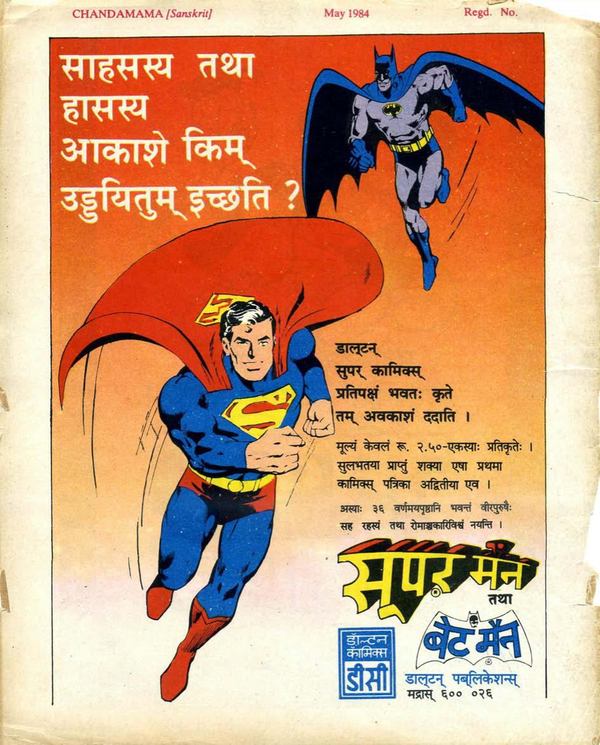
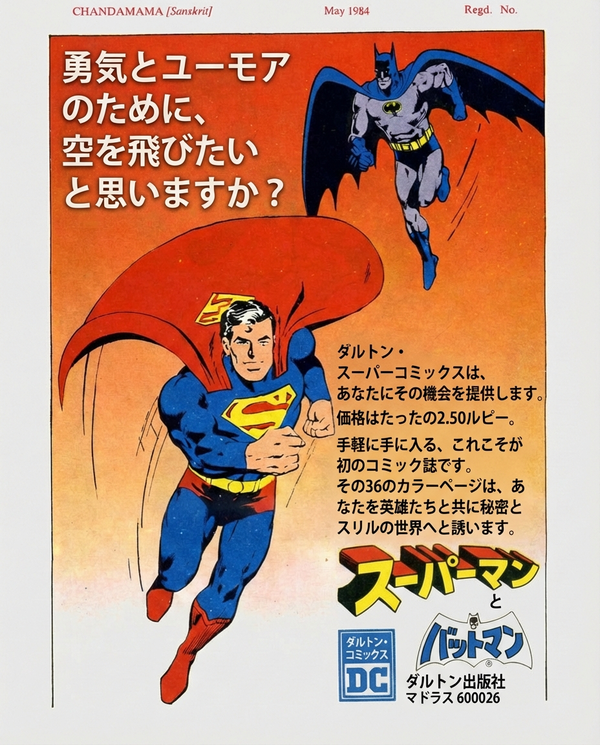
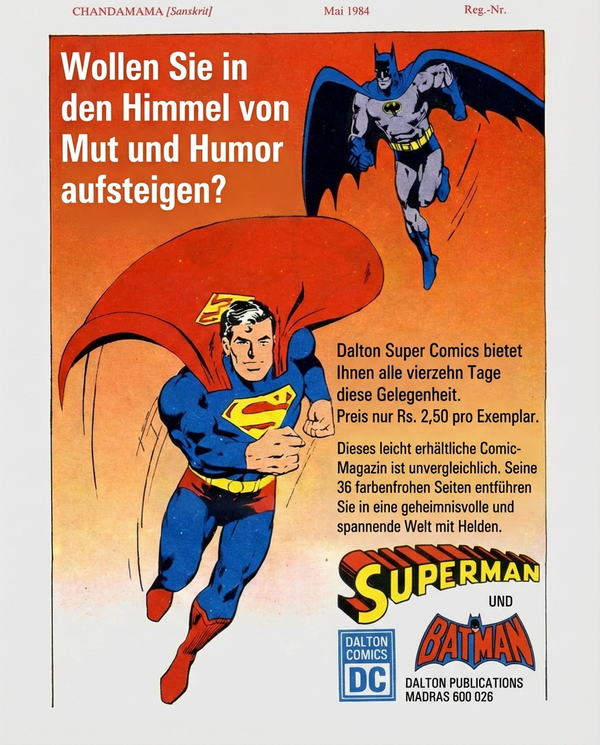
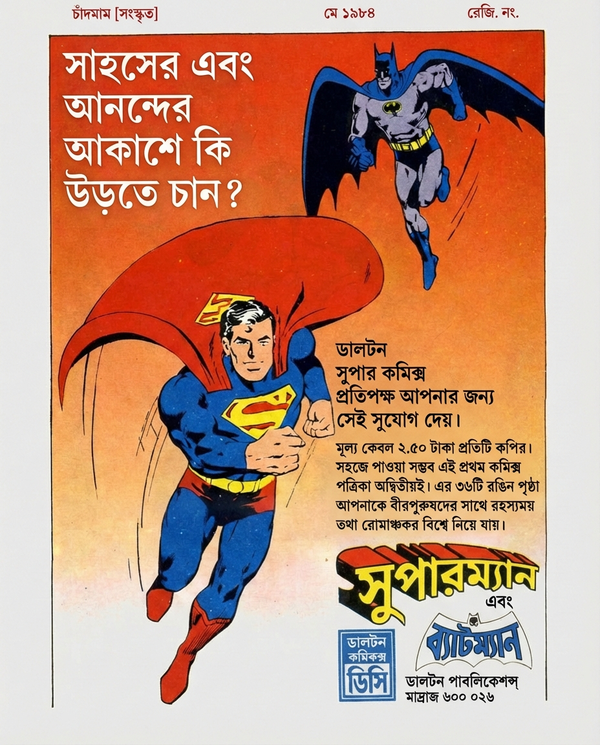
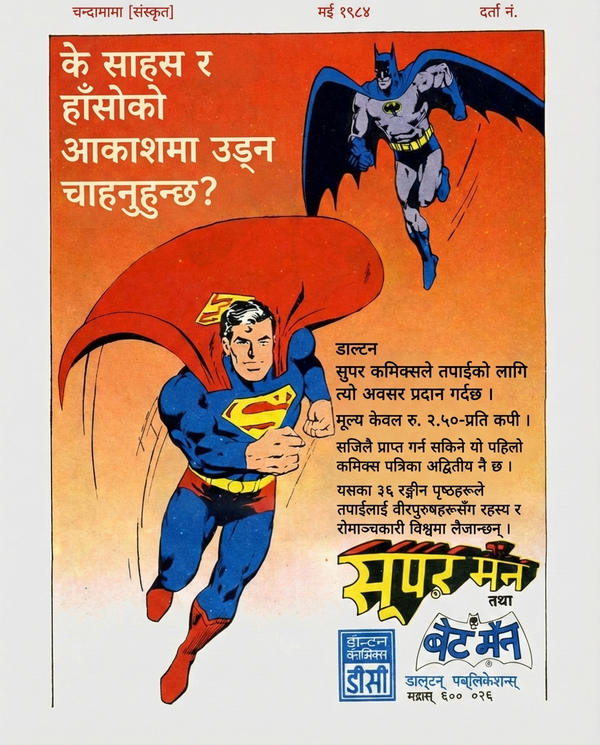
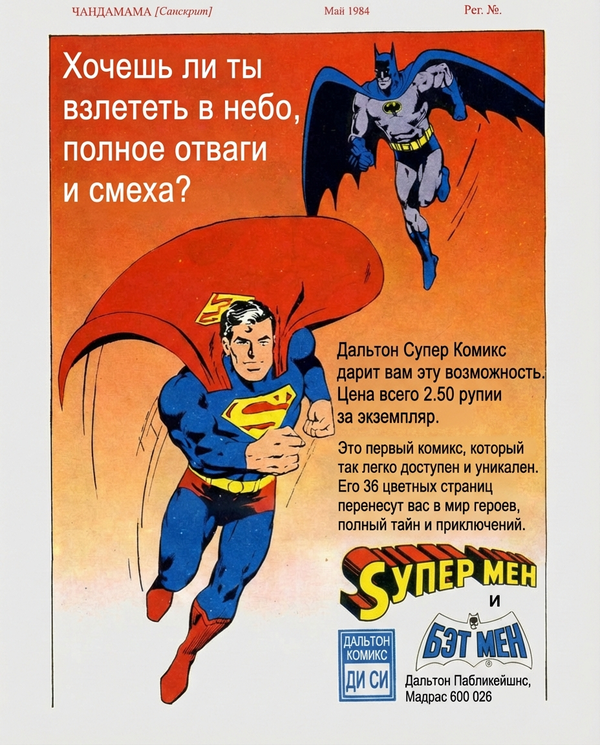
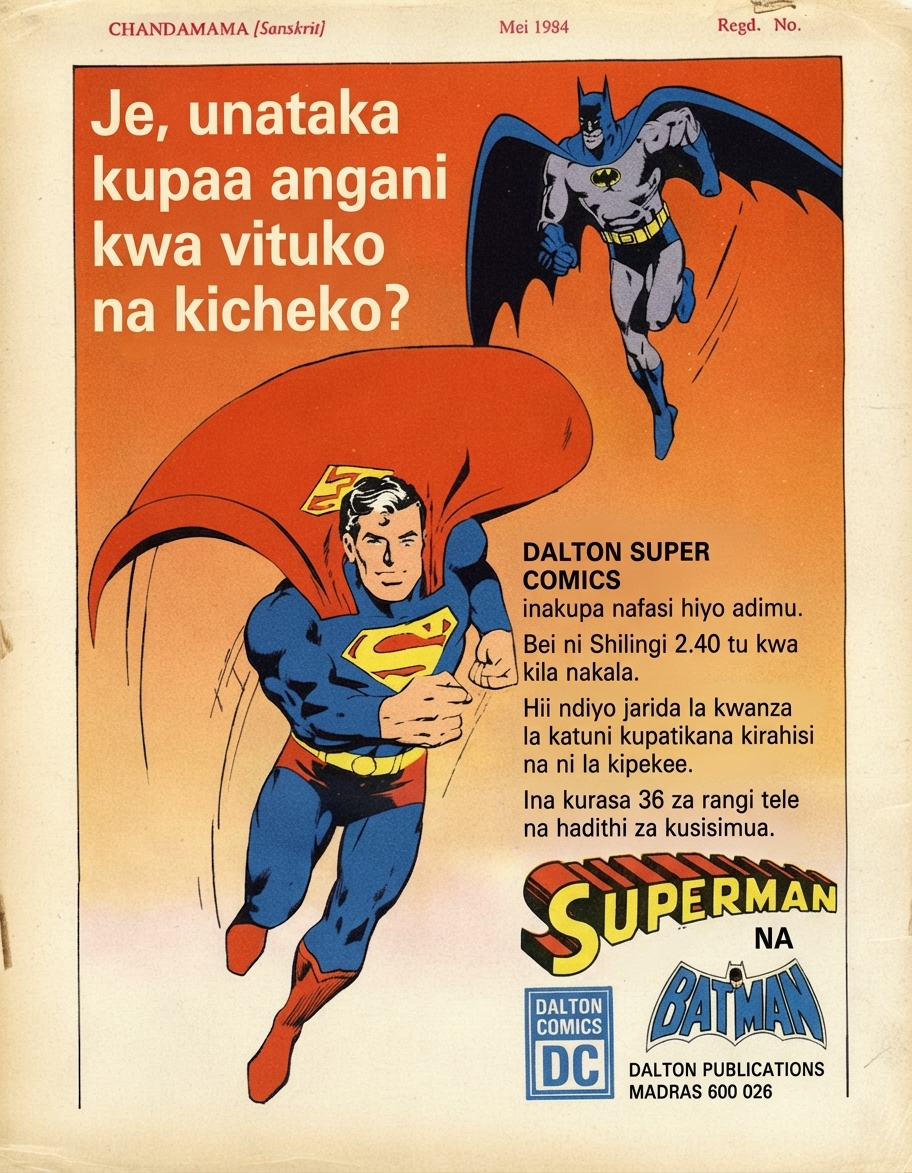
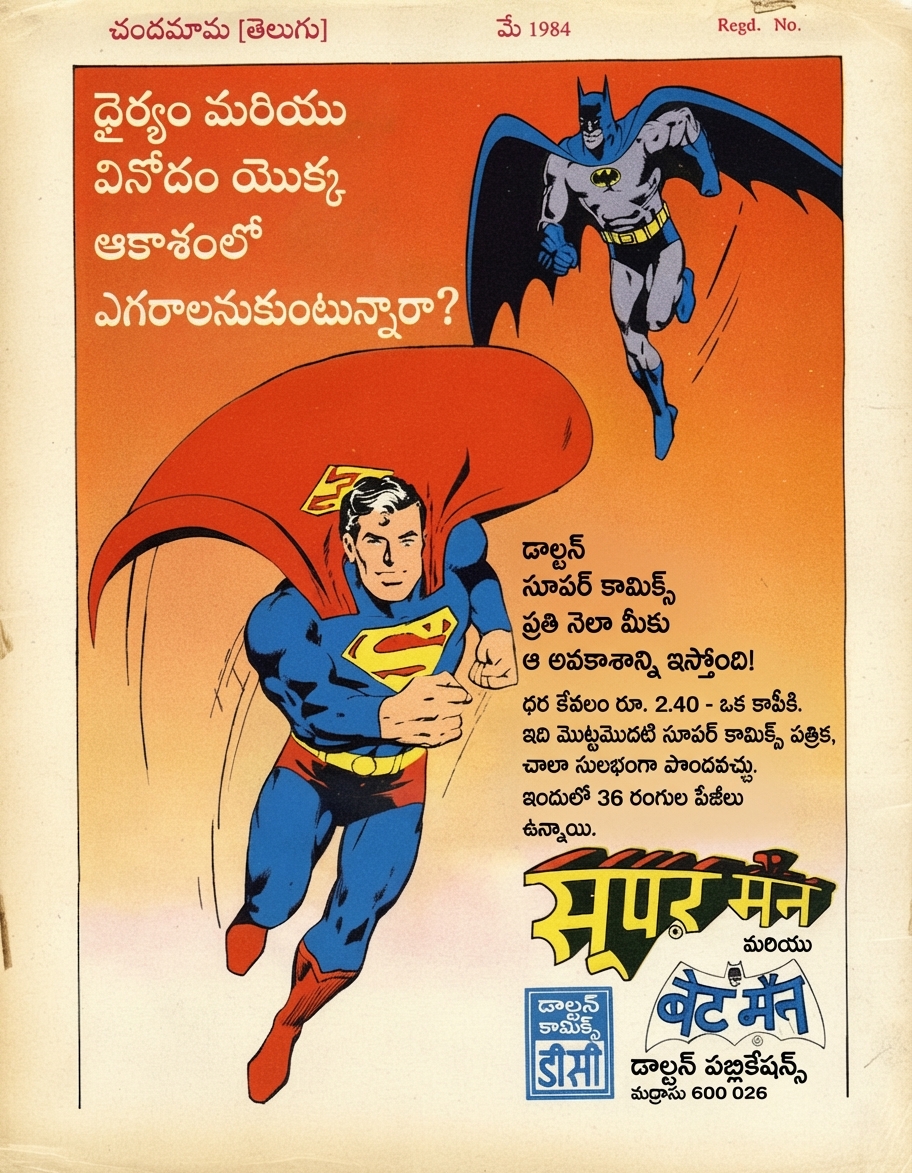
🇮🇳Original (Sanskrit)
Use Cases
Built for every visual document
Comics, books, manuals, marketing. If there's text on an image, PixLate translates it.
Browse scenarios
Switch between common layouts to preview how PixLate preserves structure across languages.
Active Preview
Children's Books
1 / 8
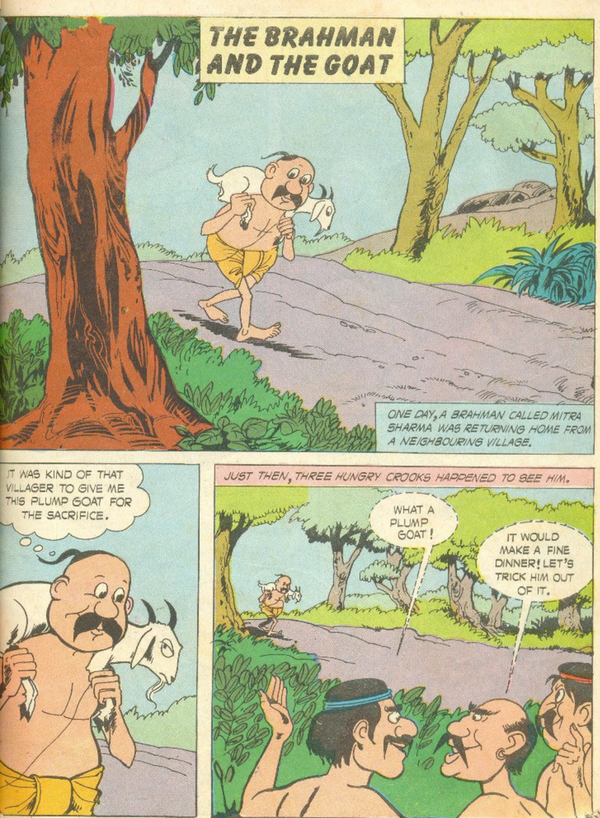
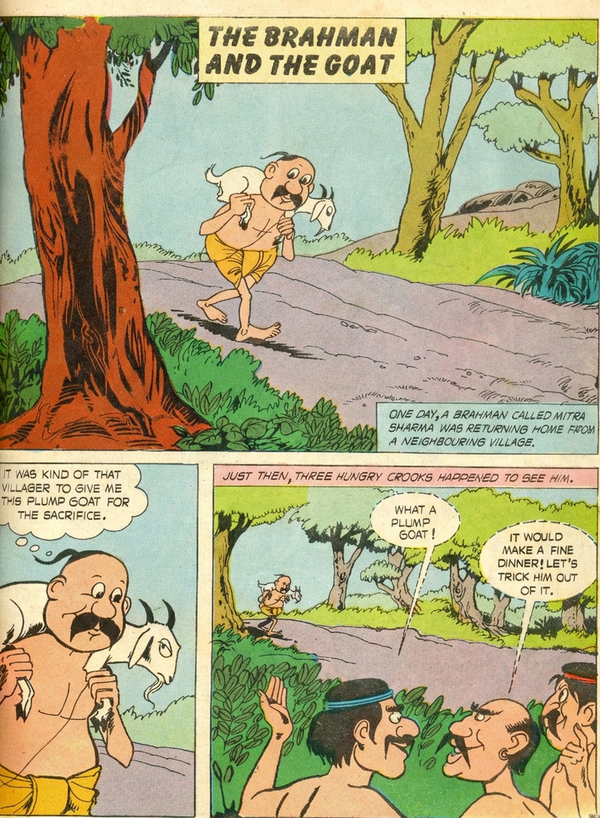
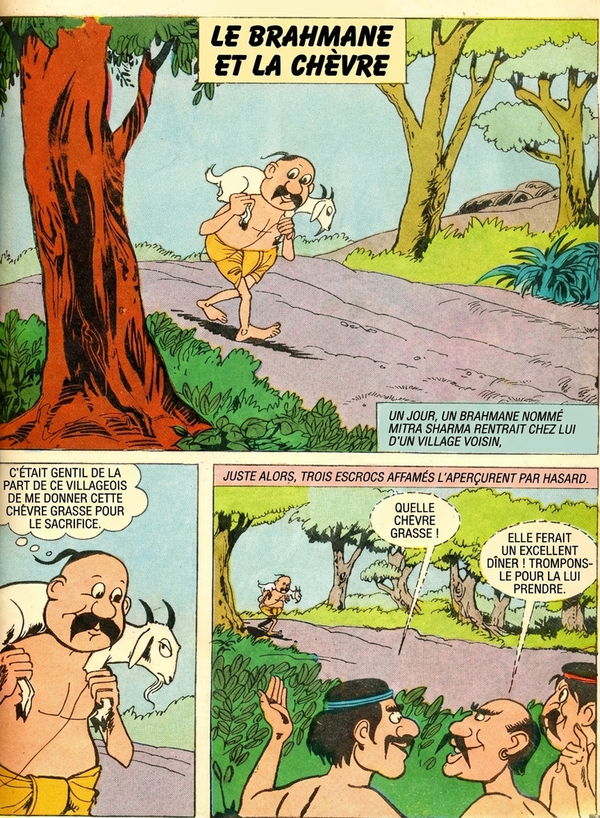
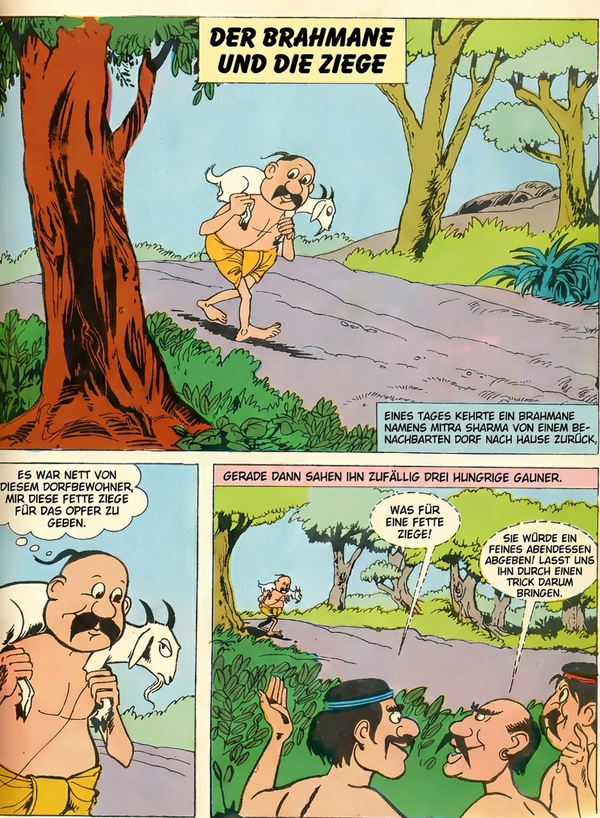
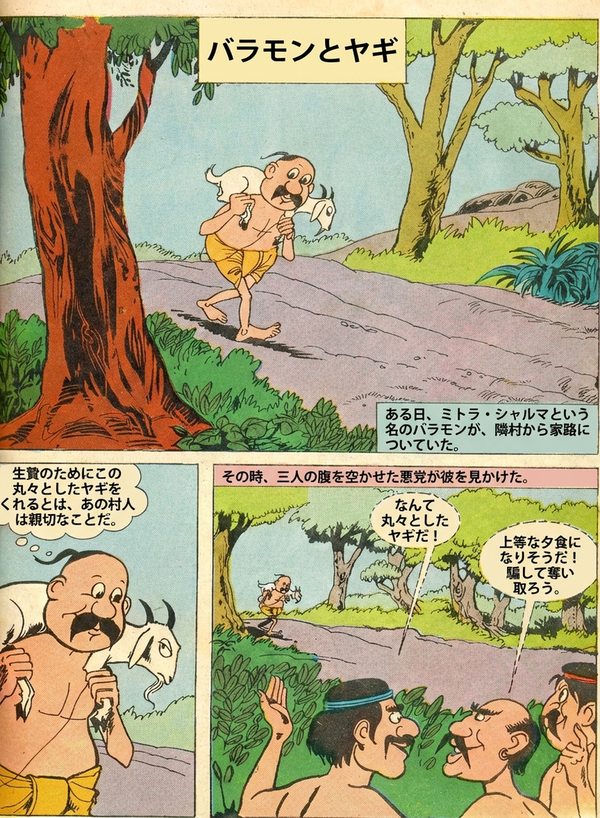
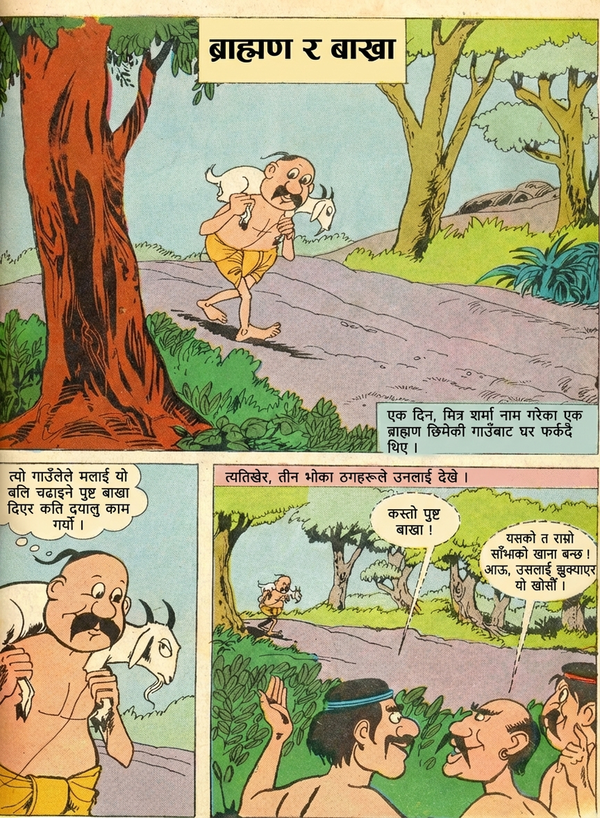
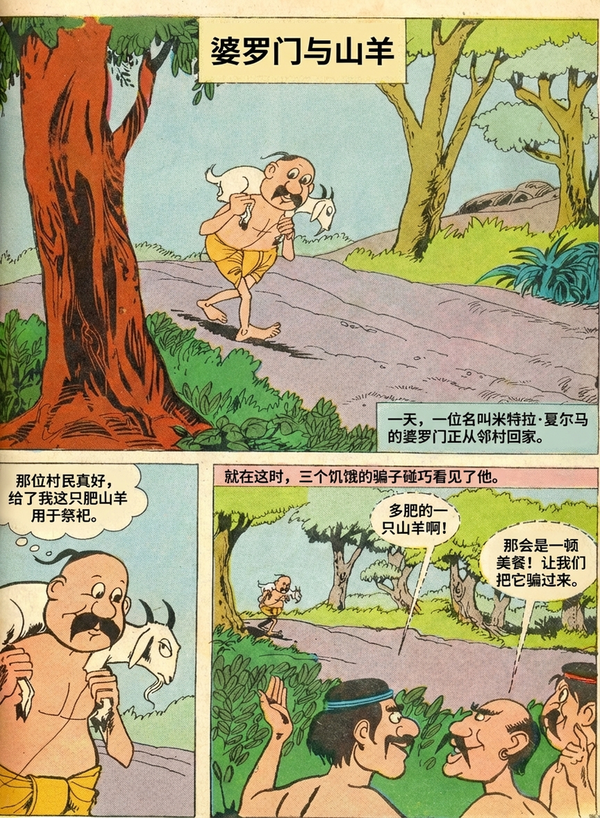
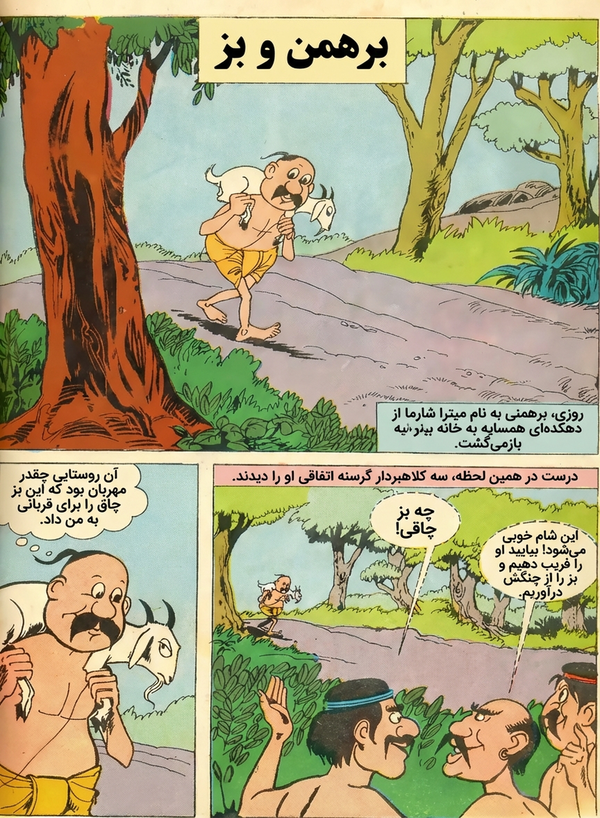
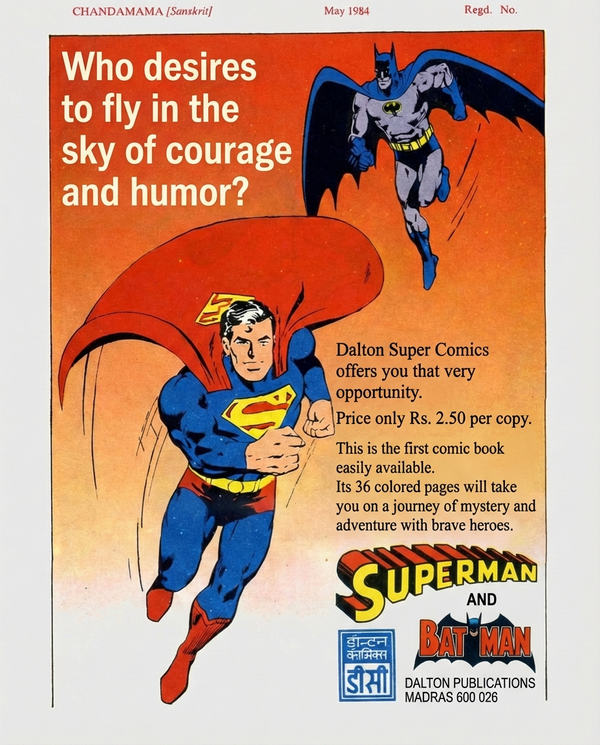
🇬🇧Original (English)
Preserve vibrant, artistic typography across languages.
작동 방식
원본 문서에서 번역 결과물까지 4단계
01
업로드
PDF, 이미지 또는 만화를 드롭 — 단일 페이지 또는 전체 문서
02
정리
AI가 기존 텍스트를 제거하고 텍스트 영역 전체에서 배경을 복원합니다
03
번역
대상 언어를 선택하세요. AI가 레이아웃을 감지하고 번역하여 일치하는 타이포그래피로 제자리에 텍스트를 렌더링합니다
04
내보내기
PDF 또는 이미지로 다운로드 — 모든 번역 언어를 한 번에 내보내기
Common Questions
Everything you need to know about formats, storage, workflow, and file handling.
PixLate supports PDF, JPEG, PNG, and multi-page image documents. You can upload individual images or full documents directly into the editor.