翻译漫画、书籍和扫描页面,保持原始布局不变。
默认情况下,文件保留在您的设备上。PixLate 仅发送您运行 AI 操作的页面图像。
1 / 9
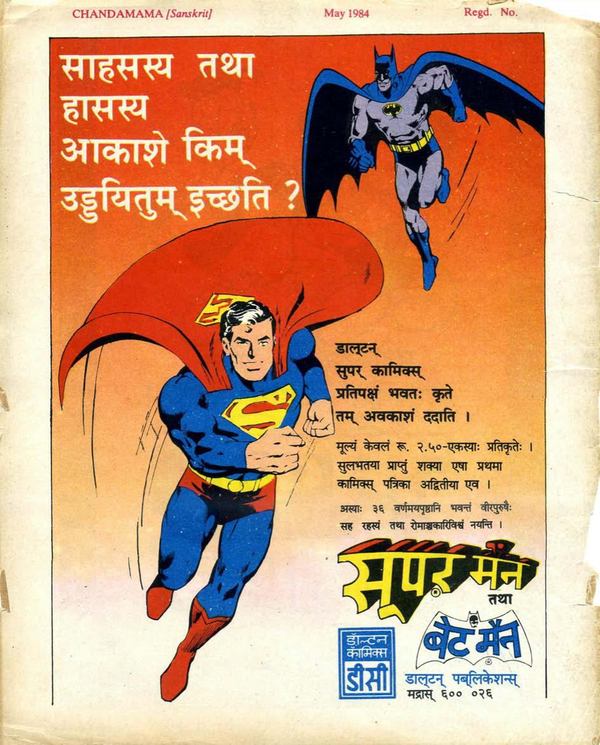
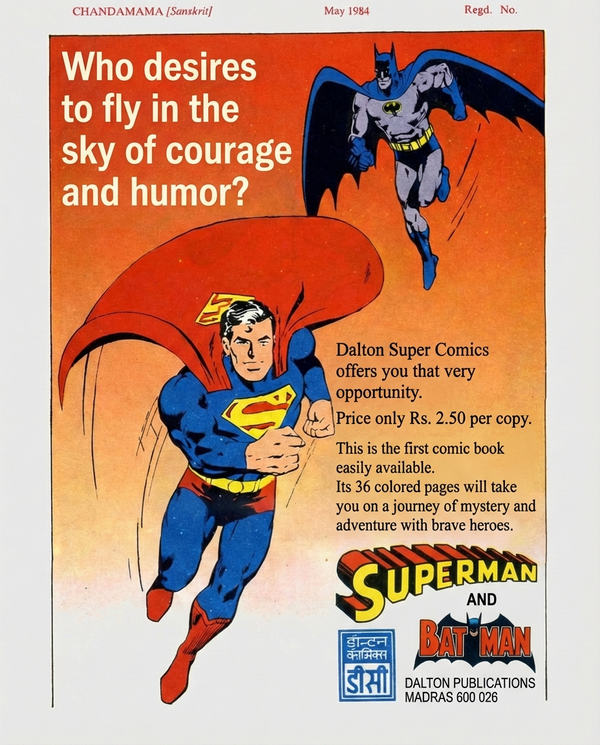
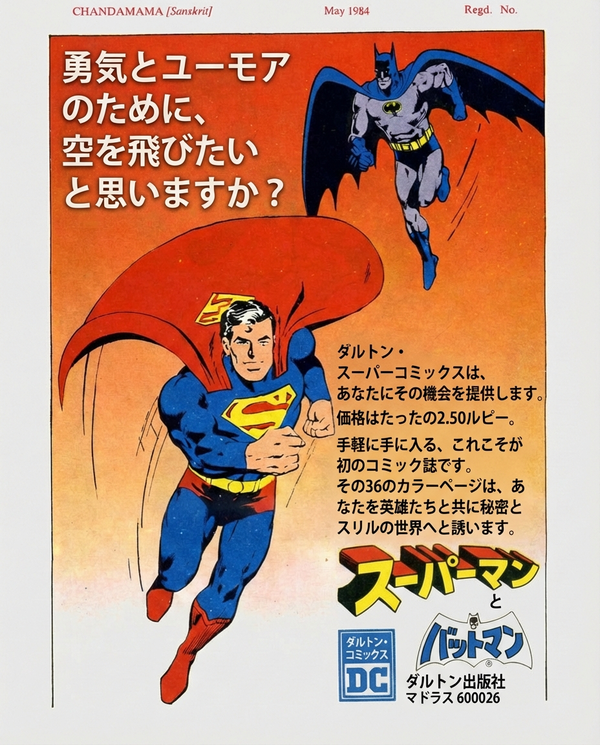
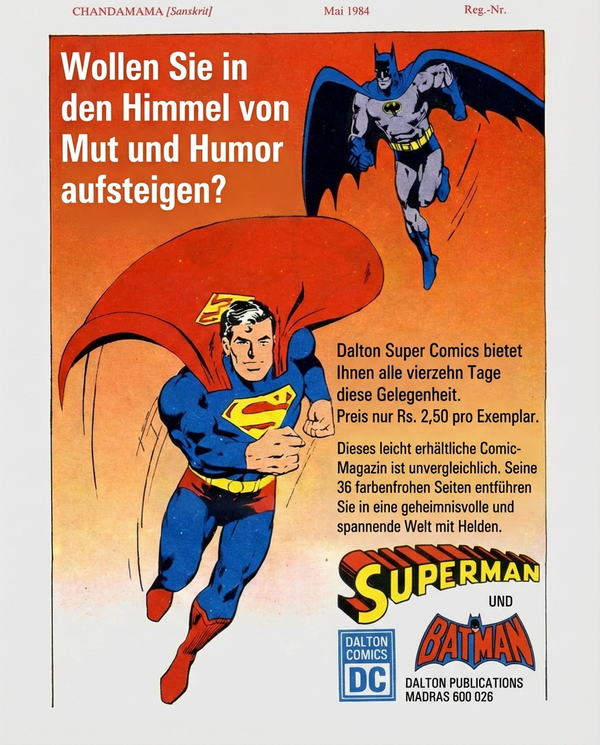
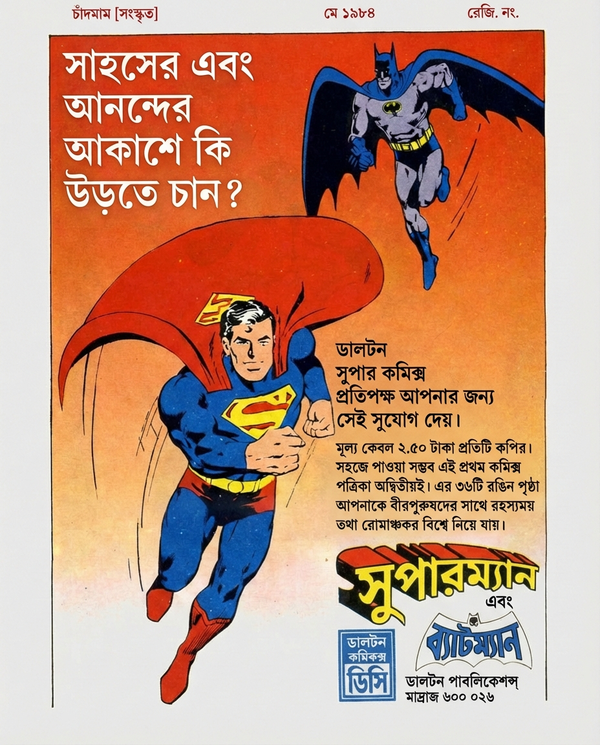
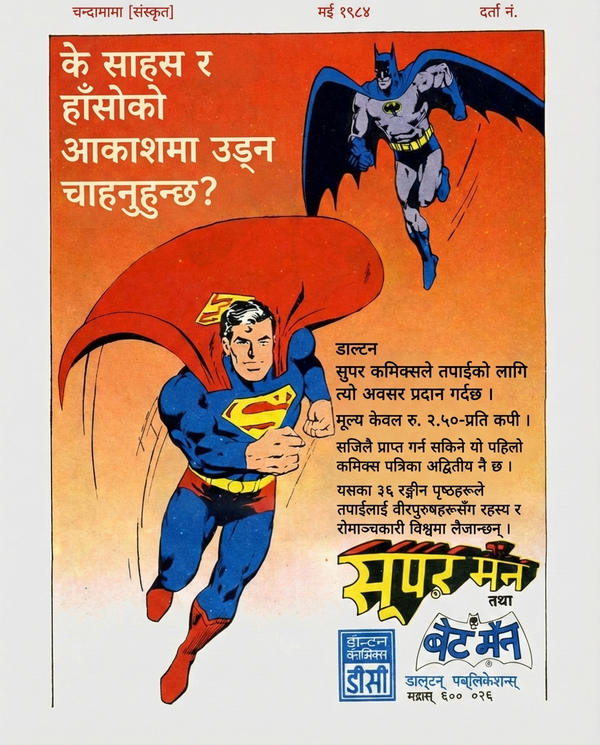
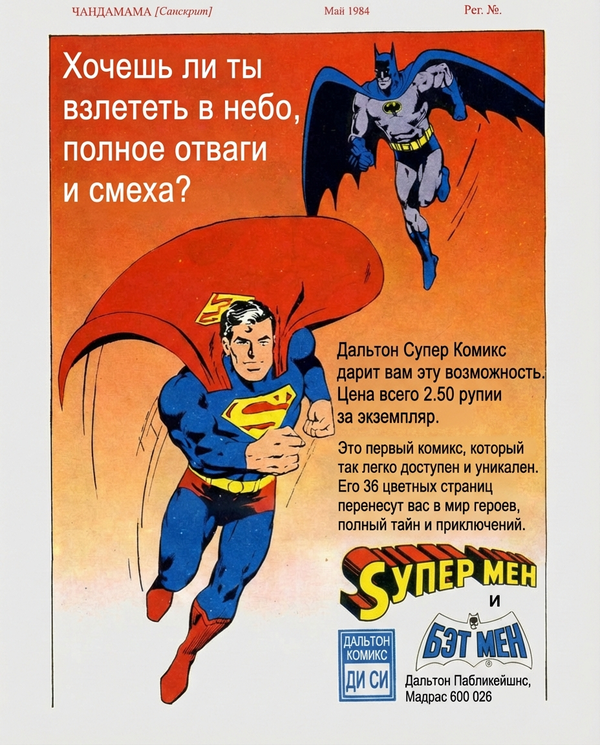
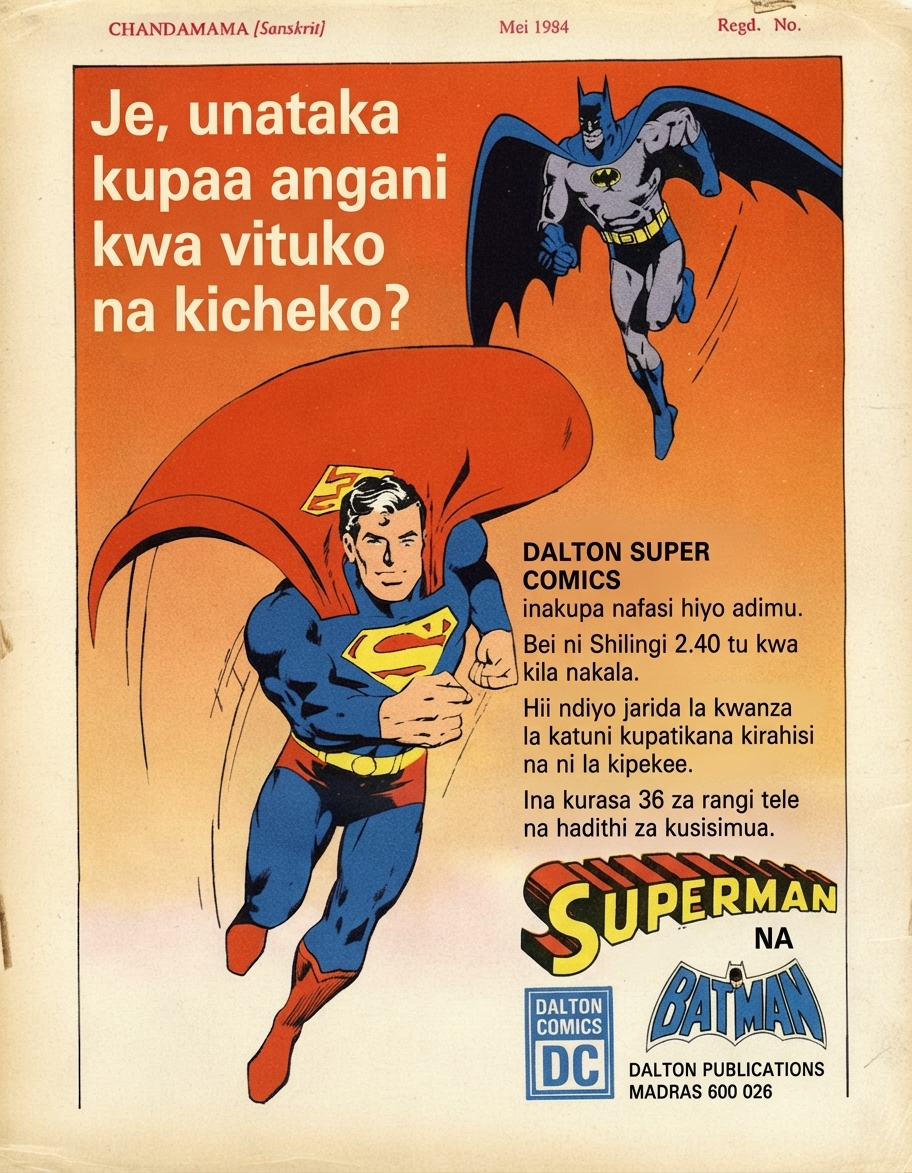
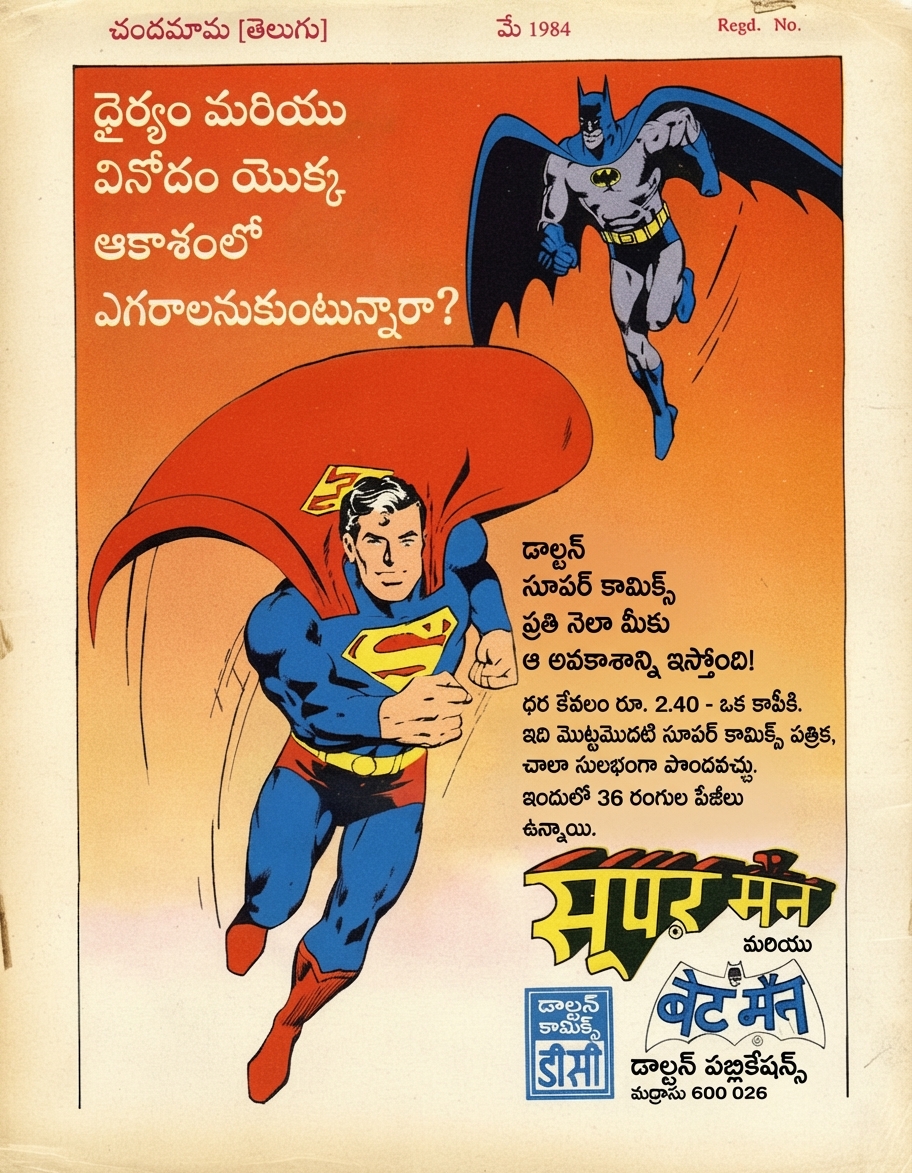
🇮🇳Original (Sanskrit)
Use Cases
Built for every visual document
Comics, books, manuals, marketing. If there's text on an image, PixLate translates it.
Browse scenarios
Switch between common layouts to preview how PixLate preserves structure across languages.
Active Preview
Children's Books
1 / 8
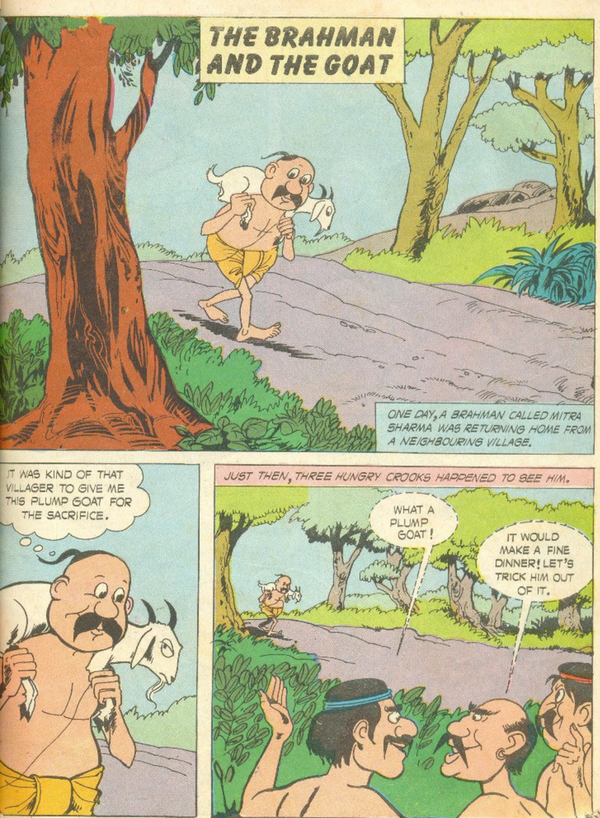
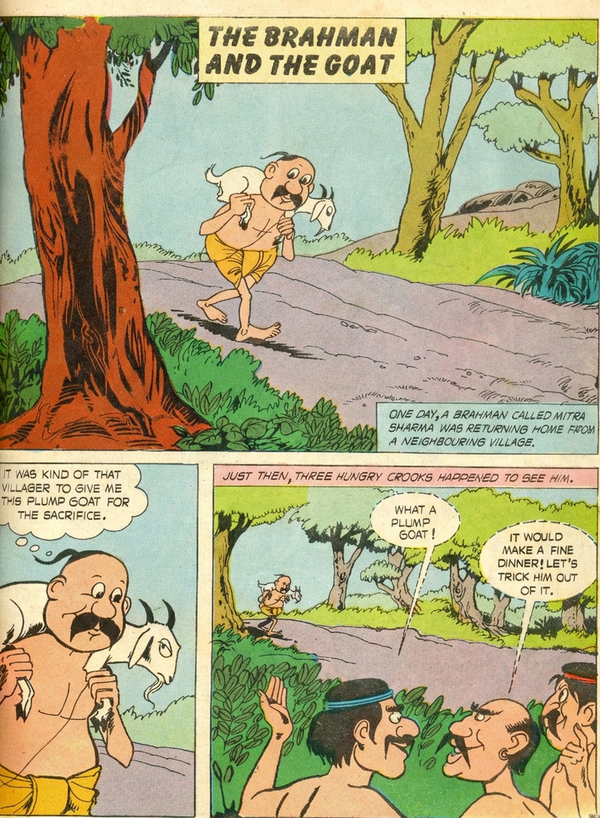
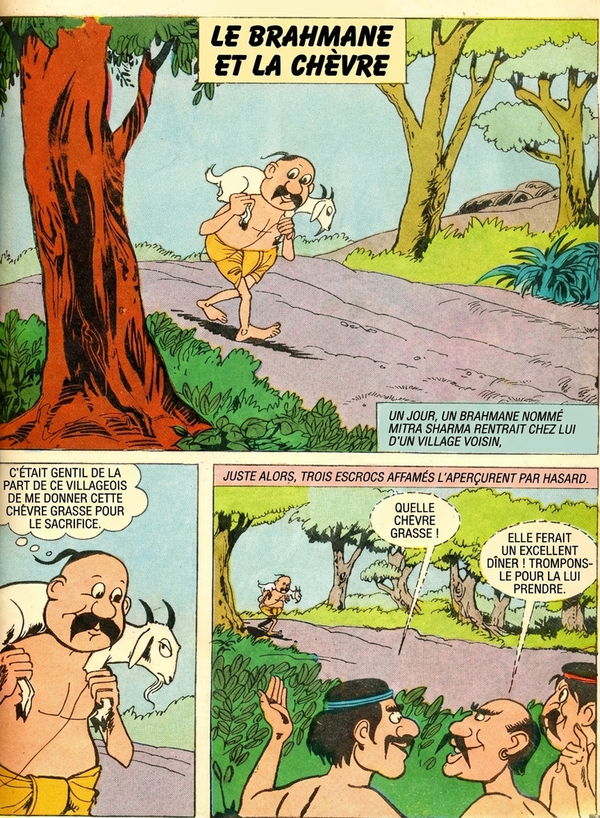
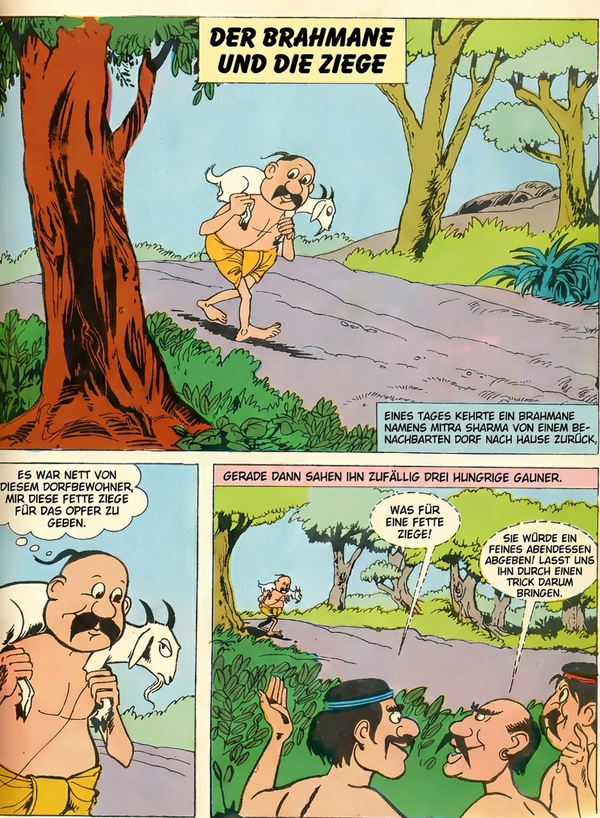
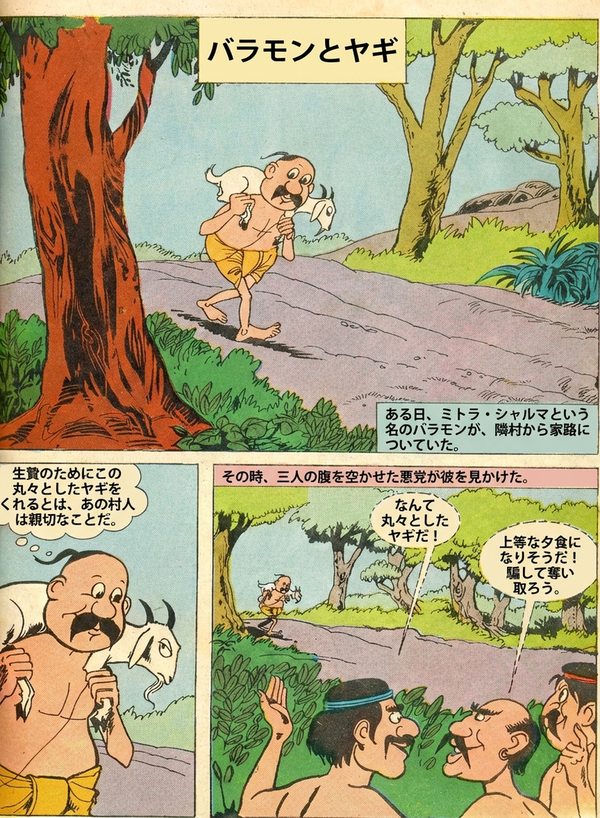
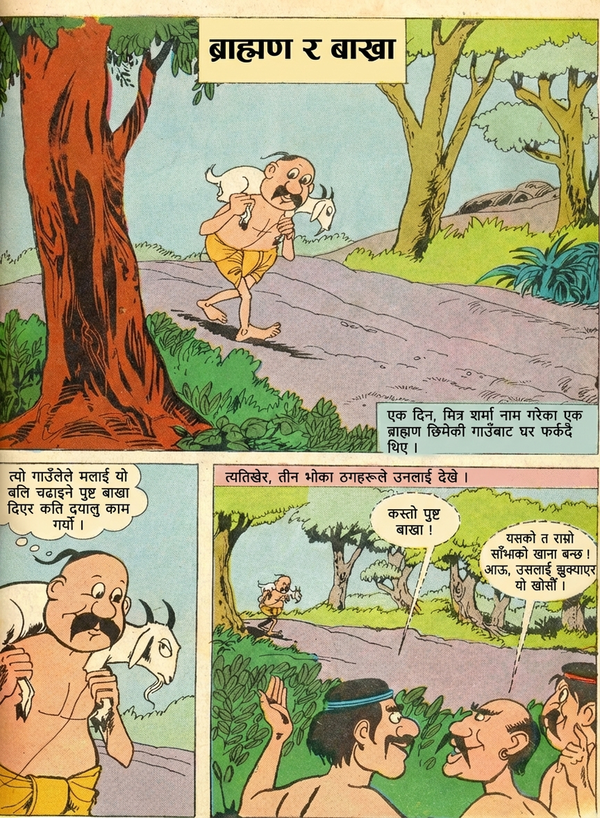
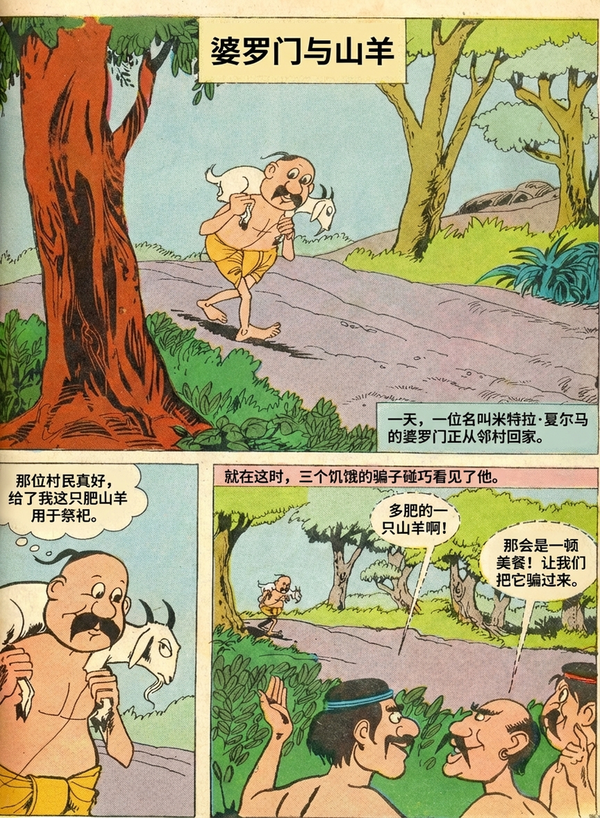
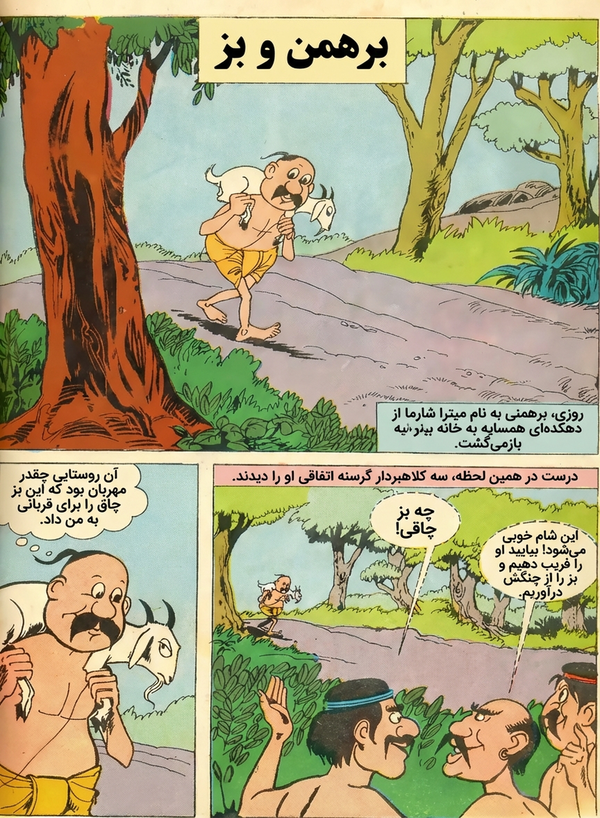
🇬🇧Original (English)
Preserve vibrant, artistic typography across languages.
工作原理
从原始文档到翻译成品,共四个步骤
01
上传
拖入 PDF、图片或漫画——单页或完整文档均可
02
清理
AI 删除现有文字并恢复文字区域的背景
03
翻译
选择目标语言。AI 检测布局,翻译内容,并将文字以匹配的排版渲染回原位
04
导出
以 PDF 或图片格式下载——一次导出所有翻译语言
Common Questions
Everything you need to know about formats, storage, workflow, and file handling.
PixLate supports PDF, JPEG, PNG, and multi-page image documents. You can upload individual images or full documents directly into the editor.