How PixLate Works
Add a document, start its translation, and return to results you can review and download.
Add your document
Import a complete PDF or an ordered collection of images. Save it in a local project so translation progress can be resumed.
Drop files here or browse
Translate all pages
Choose a target language, confirm your spending limit, and start. PixLate selects the workflow for your source. Preview a few pages first if you prefer.
Review the results
Follow document progress, resolve flagged source pages, and choose generated versions for export. Open Page editor whenever a result needs correction.
SOURCE LAYER
REVIEW LAYER
Download the document
Download the translated document in its original page order. Partial downloads clearly disclose original pages or omissions.
export_dashboard.pdf
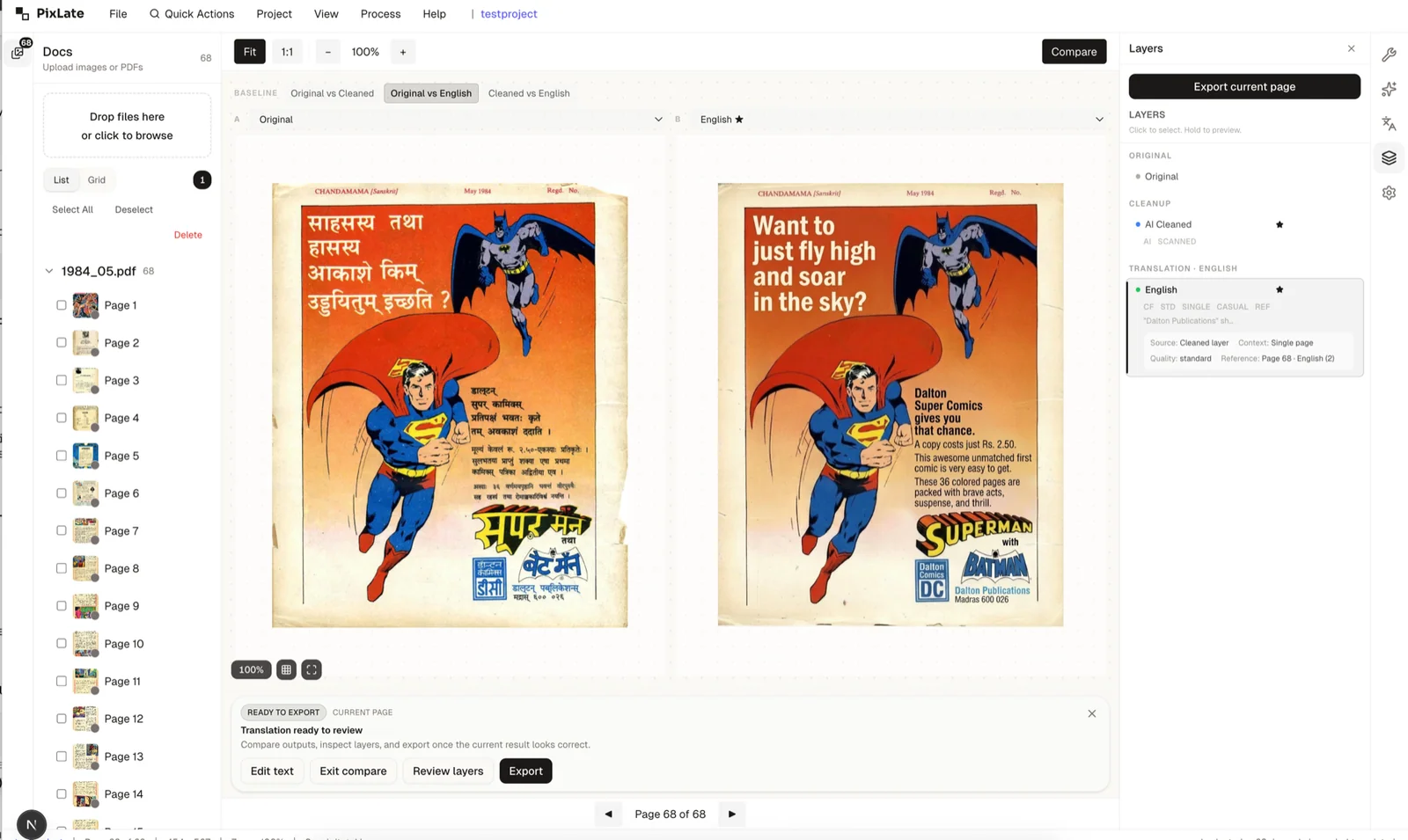
Page editor for corrections
Go deeper on any page that needs attention
The shared editor remains available for comparison, text corrections, and cleanup.
Web and desktop workflows
Document translation
Start a whole document, follow saved progress, review results, and download. Live work needs the app open; supported background jobs continue after upload.
Project folders
Keep originals, generated layers, and exports together in local project storage when you need durable work across sessions.
Ready to translate a document?
Choose your document and language. Review processing options and your spending limit before paid work starts.