Manga Translator
Translate manga pages without losing the page.
PixLate helps translate speech bubbles, captions, and visible text while keeping cleanup, layout, and review in one editor workflow.
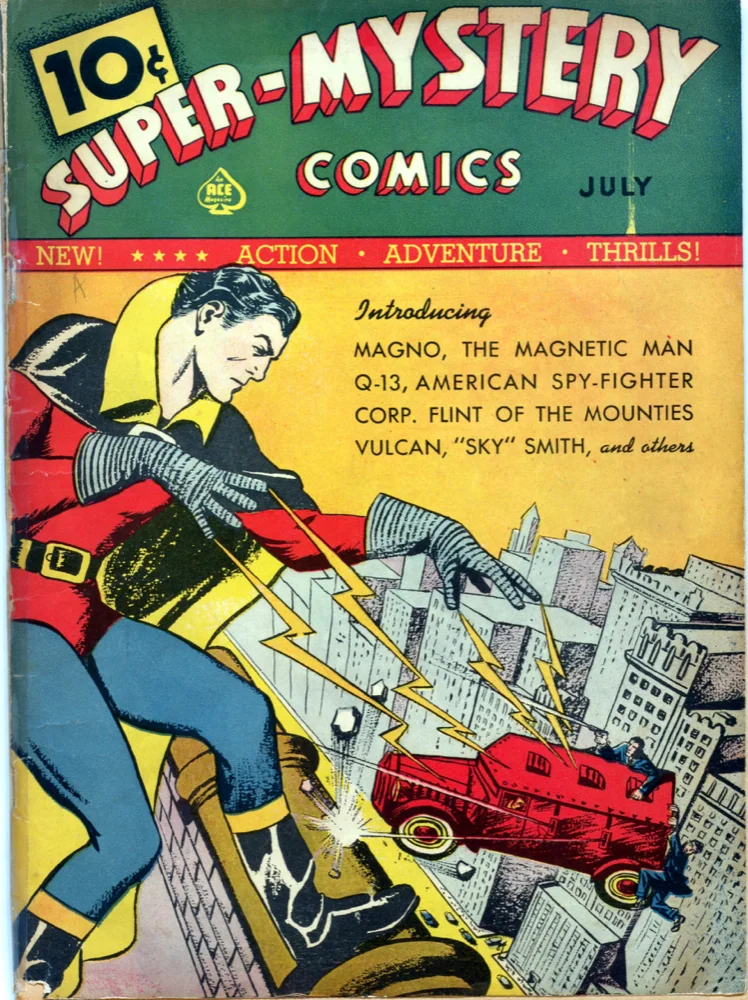
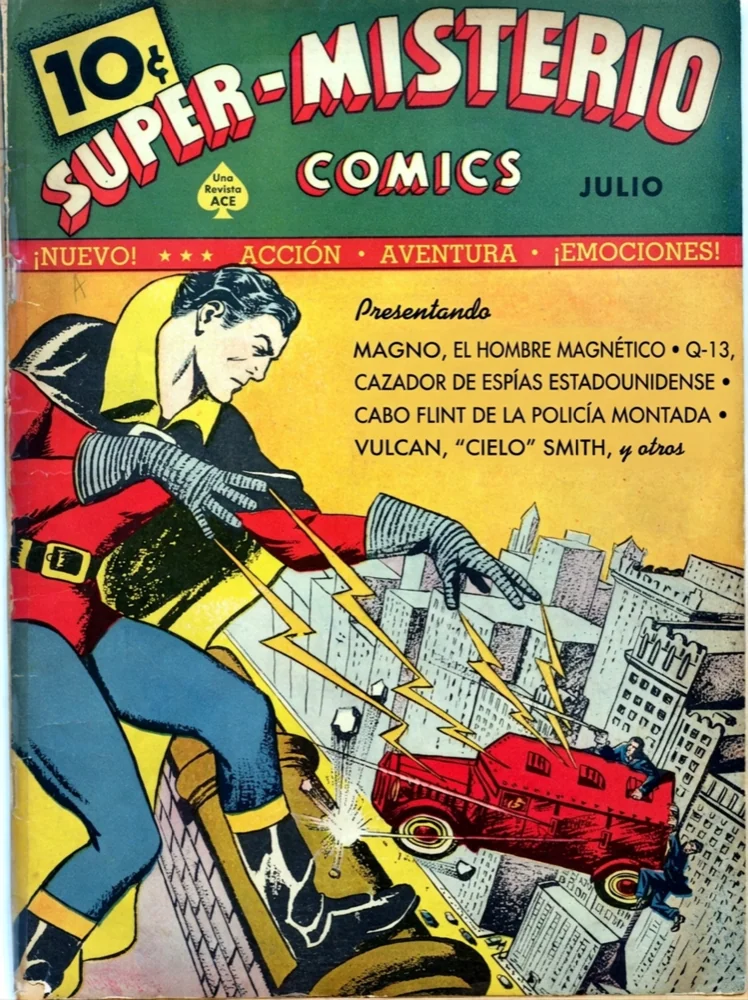
Speech bubble translation
Translate dialogue and captions while keeping the bubble and panel context visible.
Cleanup before lettering
Improve noisy scans or uneven page color before rendering translated text into the page for review.
Chapter-friendly context
Use the editor workflow to keep names, tone, and nearby pages visible while you check output.
Human correction built in
Manga translation needs a final pass. PixLate keeps edits and reruns close to the page.
Best Use Cases
For manga translation where layout and tone both matter.
PixLate is not just OCR. It is a visual workflow for pages that still need a human pass before they are ready to share or publish.
- Japanese manga pages with dense bubbles
- Webtoon and comic panels that need layout-aware translation
- SFX-heavy pages where stylized lettering needs review
- Small-team localization workflows that cannot restart from scratch on every page
Page context
Keep nearby pages and current layout visible while you review names, pronouns, and tone.
Correction loop
Fix a bad translation or rerun a page step without throwing away the whole workflow.
Export when ready
Download final pages only after cleanup, translation, and lettering look acceptable.
Manga Translator FAQ
Can PixLate translate manga automatically?
PixLate can generate a strong first pass for manga pages, but the product is intentionally reviewable. Names, tone, SFX, and stylized lettering should still be checked before export.
Does it preserve speech bubbles and panels?
The workflow is page-aware: cleanup, translation, comparison, correction, and export happen around the actual page instead of isolated text strings.
Can I use it for comics too?
Yes. The same workflow applies to comics, webtoons, illustrated books, and other visual pages where text is embedded in the artwork or layout.
Try a manga page in PixLate
Start with one page, review the translation, and decide whether the workflow fits your project.
Start Free