Translate images with text while preserving the layout.
Local-first. Review before export.
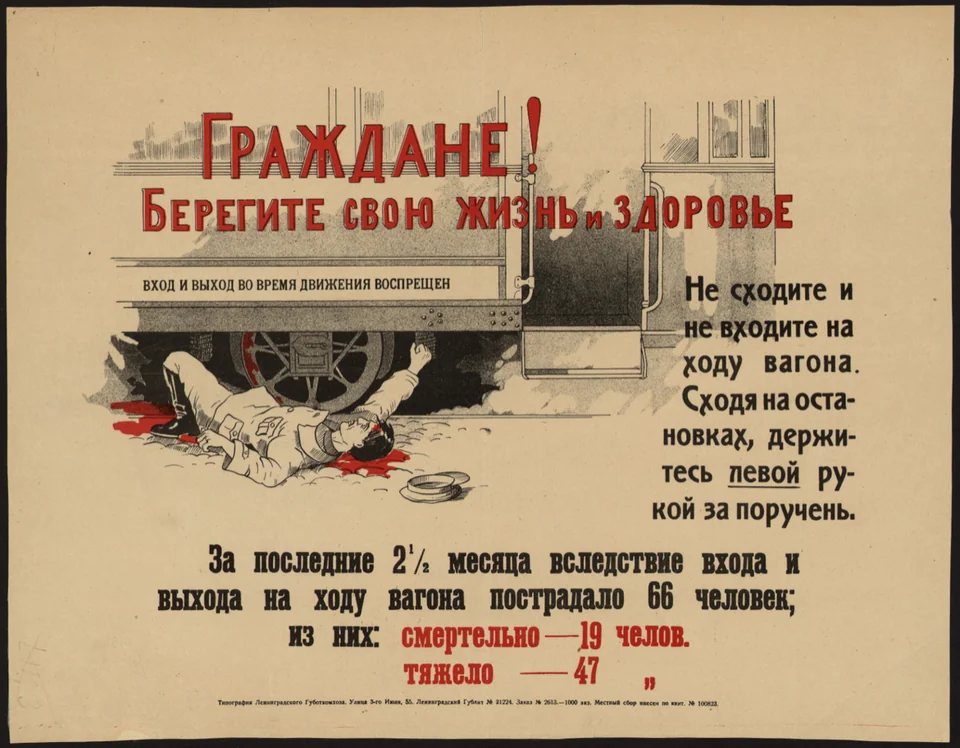
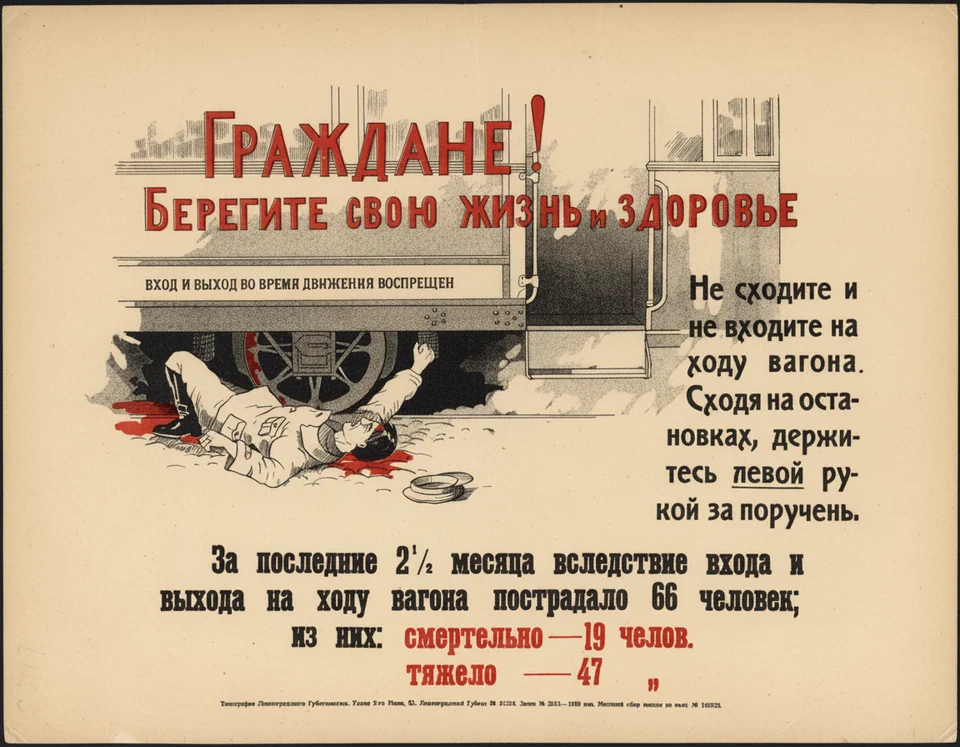
Best input types
Real layout example
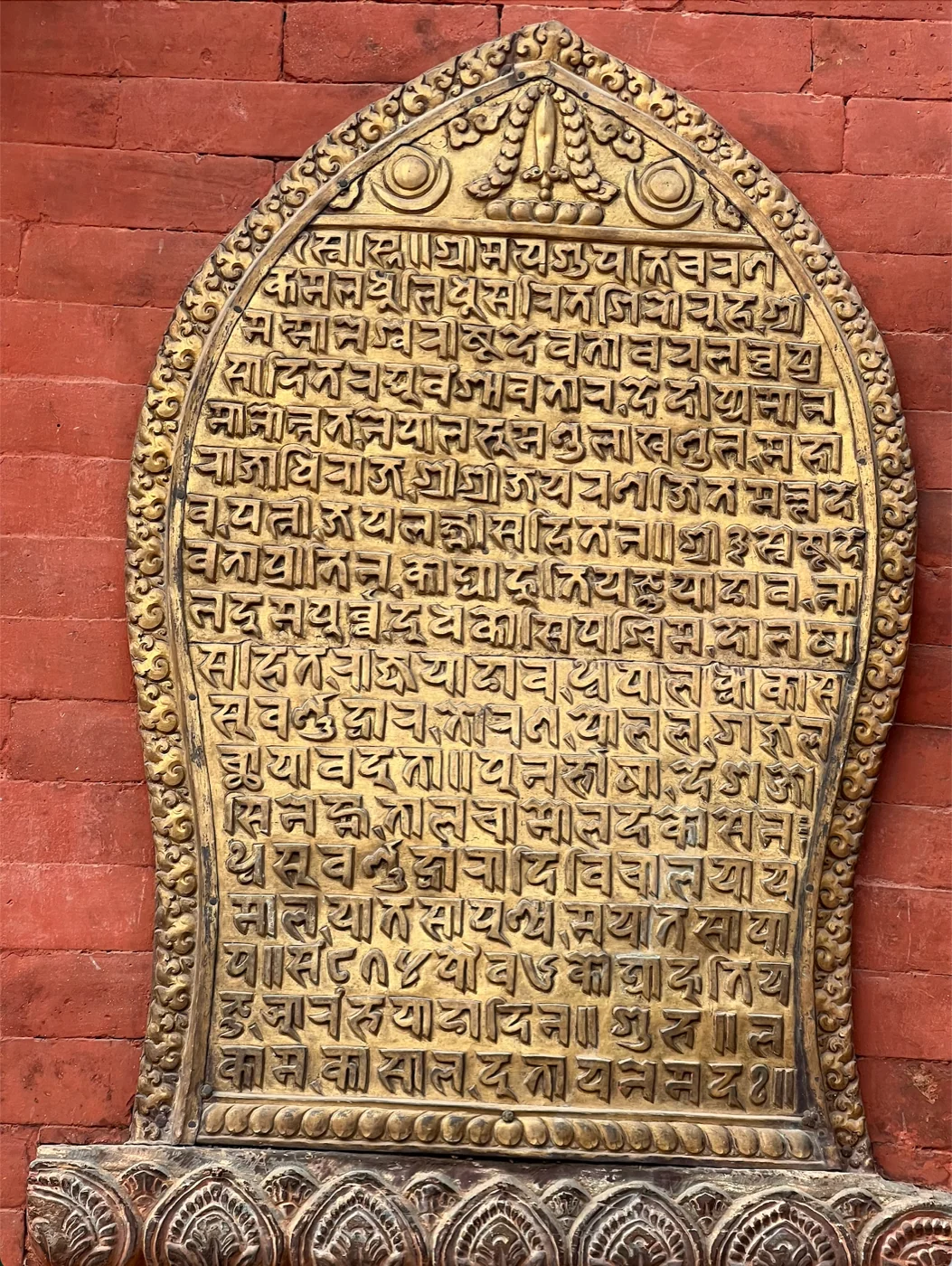
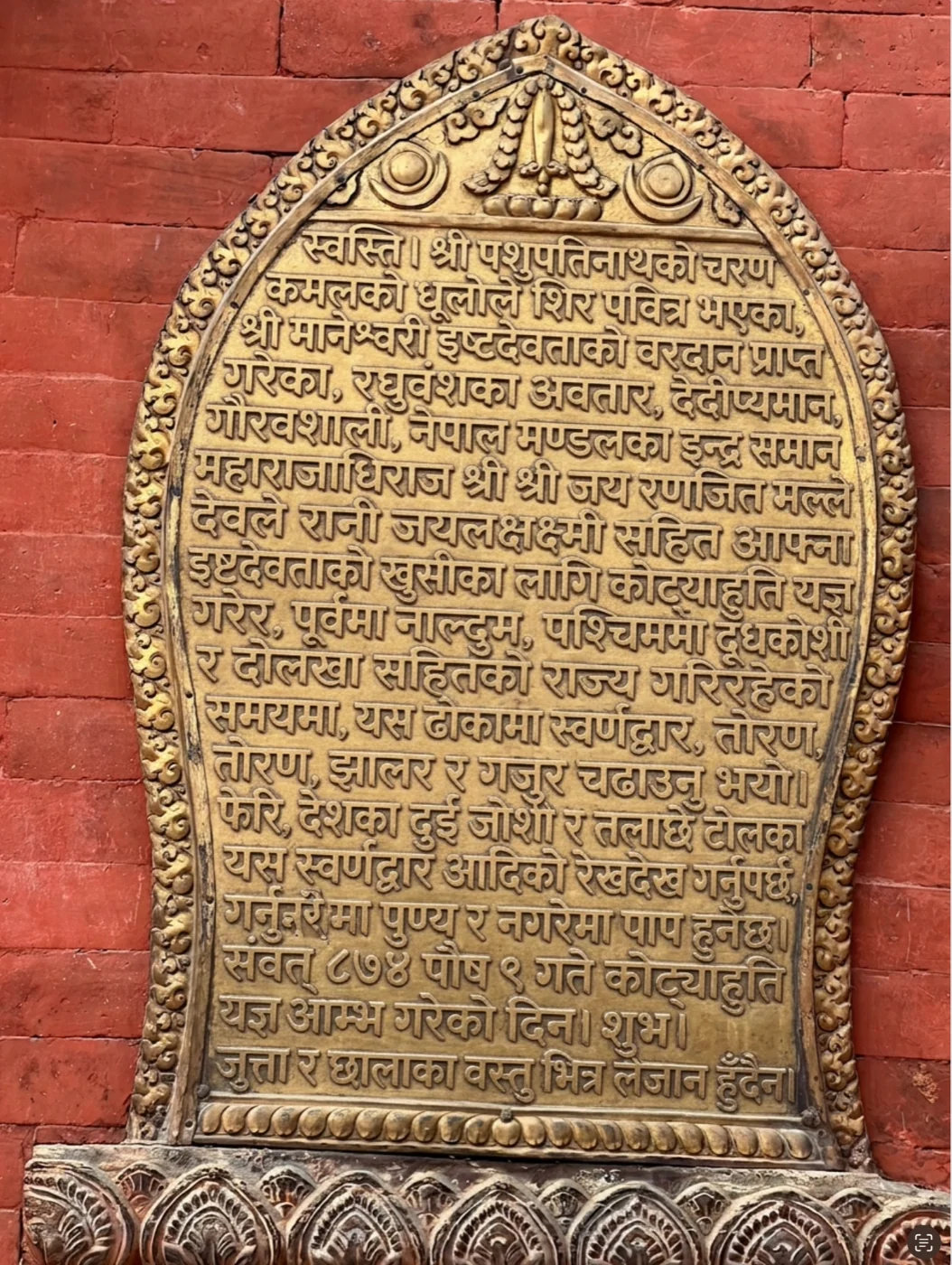
Bhaktapur inscription, kept in place
A historical plaque rendered into modern Nepali while keeping the frame and image context visible for review.
Use examples like this to check placement and wording before export, especially when the image itself carries context.
How it works
Use AI, then finish the page in the editor.
Upload
Drop in an image-based PDF, JPEG, or PNG, page by page if needed
Clean
Cleanup improves scan quality, contrast, and artifacts before translation when needed
Translate
Pick your target language and let PixLate render a first pass back into the page
Review & Export
Inspect the result, fix what is close-but-wrong, then export as PDF or images
A workflow built for review
Run AI, keep the page editable, and rerun only what needs another pass.
- Review before export
- Fix close misses in place
- Rerun only the step that failed
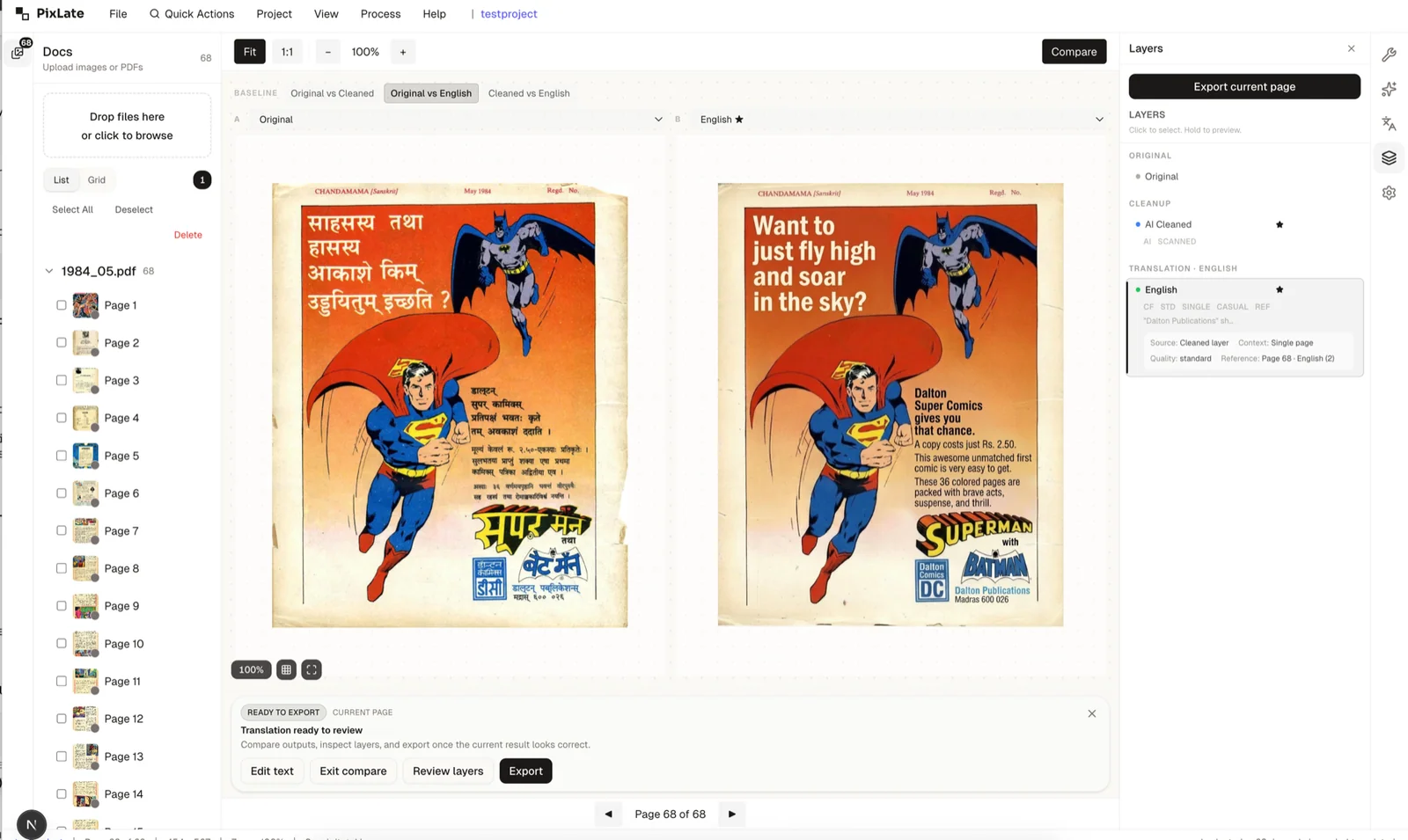
Best for images where text is part of the layout
Best when the result still needs a quick review before export.
PDF Translator
Selectable-text PDFs and scanned documents, with review and PDF export.
See examples →Technical Manuals
Product manuals, setup guides, and diagrams translated for local markets.
See examples →Comics & Manga
Bubble-heavy pages where the first AI pass usually still needs visual review.
See examples →Children's Books
Illustration-led spreads where preserving the page matters as much as the text.
See examples →Bilingual Children's Books
Reading pages for parents, homeschool lessons, and language-learning families.
See examples →Technical Pages
Diagrams and callouts that benefit from inspection before export.
See examples →Marketing Materials
Visual assets that should stay recognizable while still being easy to correct.
See examples →Common Questions
Everything you need to know about formats, storage, workflow, and file handling.
Try PixLate free
Upload an image or image-based PDF and test the workflow with your free pages. No credit card required.
5 free cleanup pages + 5 free translation pages on sign-up.