Technical Manual Translator
Translate product manuals into target-market languages.
PixLate helps manufacturers and hardware teams translate image-based manuals, device guides, installation sheets, and safety pages while preserving diagrams, tables, labels, and callouts.
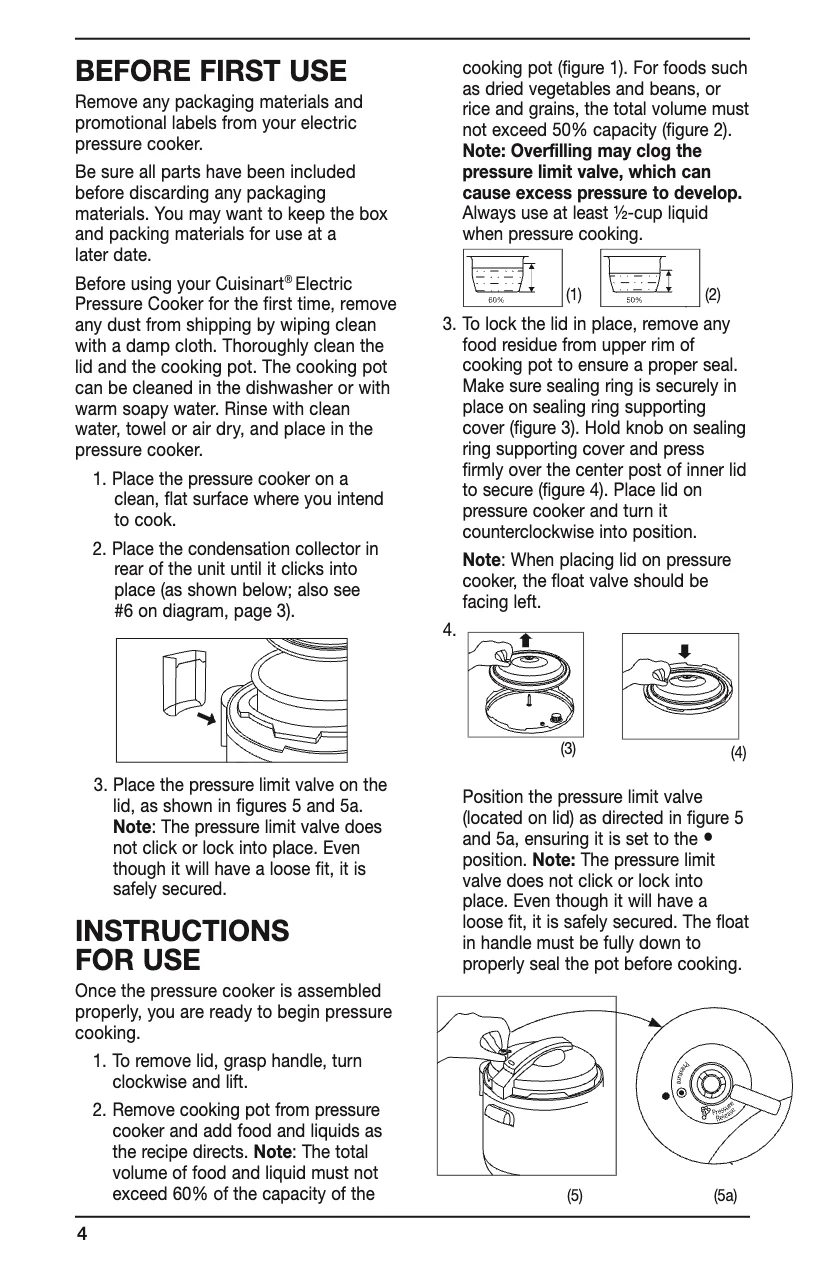
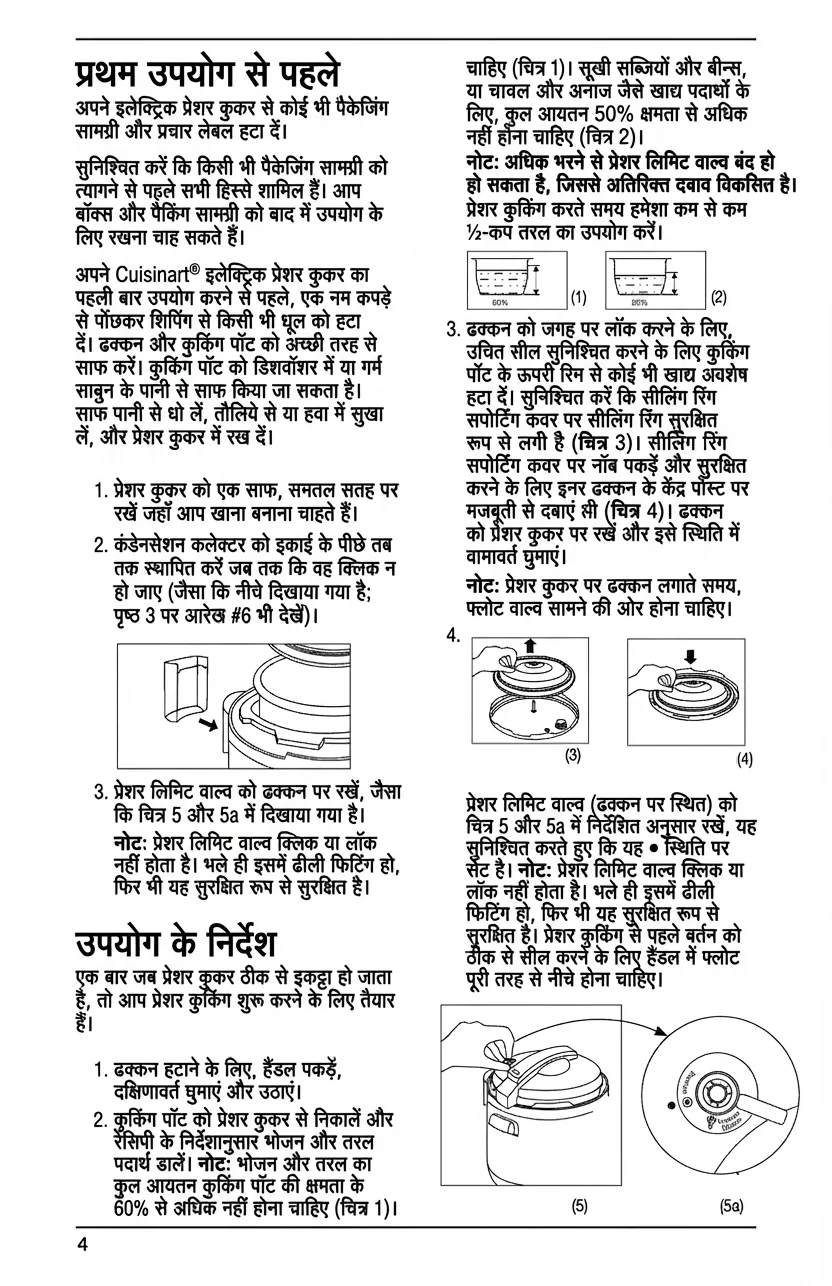
Import the source manual
Start with a PDF, scan, screenshot, or page image. Selectable-text PDFs can use lower-cost Text Layer translation; scans can use Visual AI.
Choose target markets
Translate manuals into German, Hindi, French, Spanish, Portuguese, Japanese, Korean, Chinese, and other supported languages.
Review terminology and layout
Check translated callouts, warnings, tables, part labels, and screenshots while the original page remains visible.
Export localized pages
Export reviewed pages as PDF or images for distributors, support teams, training, or regional documentation.
Manufacturer Documentation
Built for manuals that mix text, diagrams, screenshots, and labels.
Exporter manuals can start in any source language, but distributors and customers need local language documentation. PixLate keeps the work visual so a team can translate and inspect pages without recreating every table, warning box, and callout.
See broader technical page examplesFor exporters and OEMs
Prepare localized manuals for German, Indian, EU, Latin American, and APAC markets without handing every page to a design team first.
For image-based PDFs
Translate scans and visual PDFs where ordinary document translation misses text inside diagrams, screenshots, labels, or annotated page artwork.
For reviewed output
Keep a human review step for warnings, safety instructions, compliance claims, and warranty text before localized manuals reach customers.
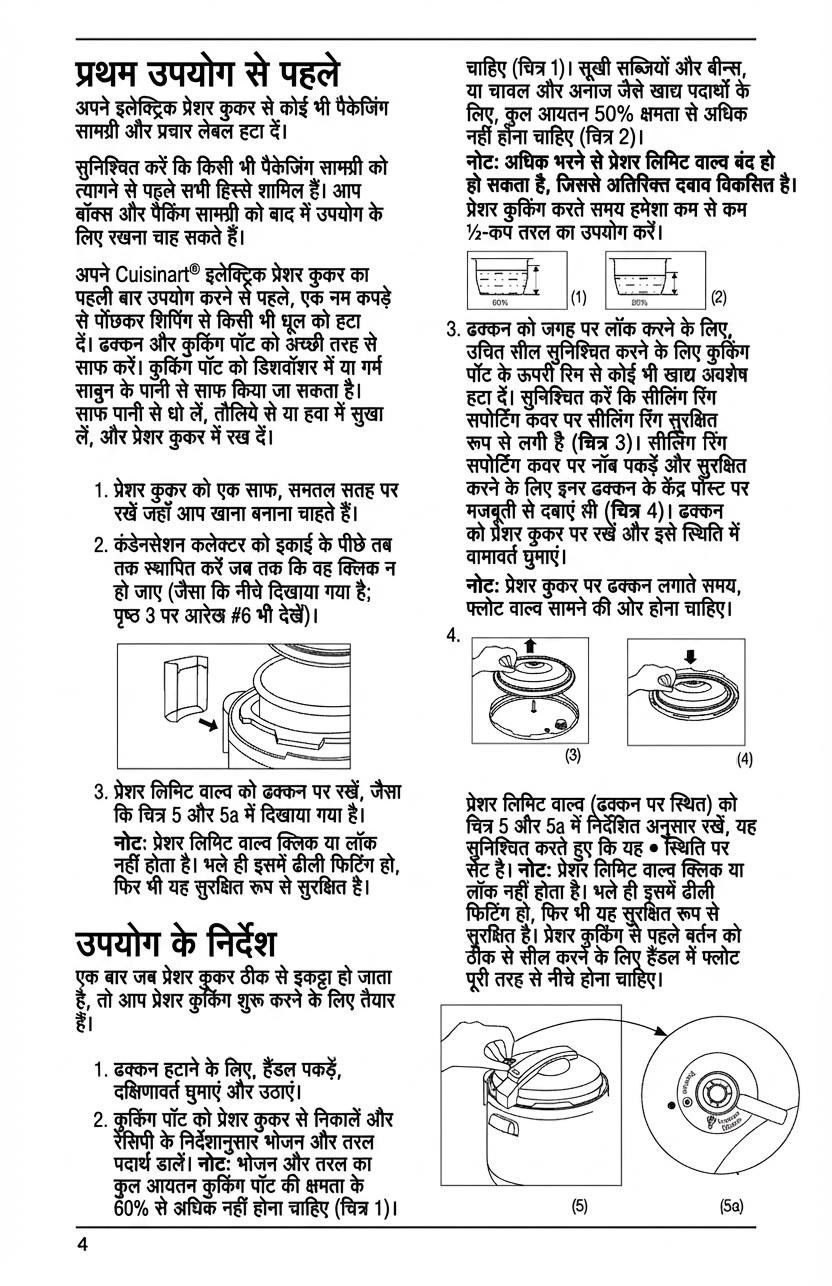
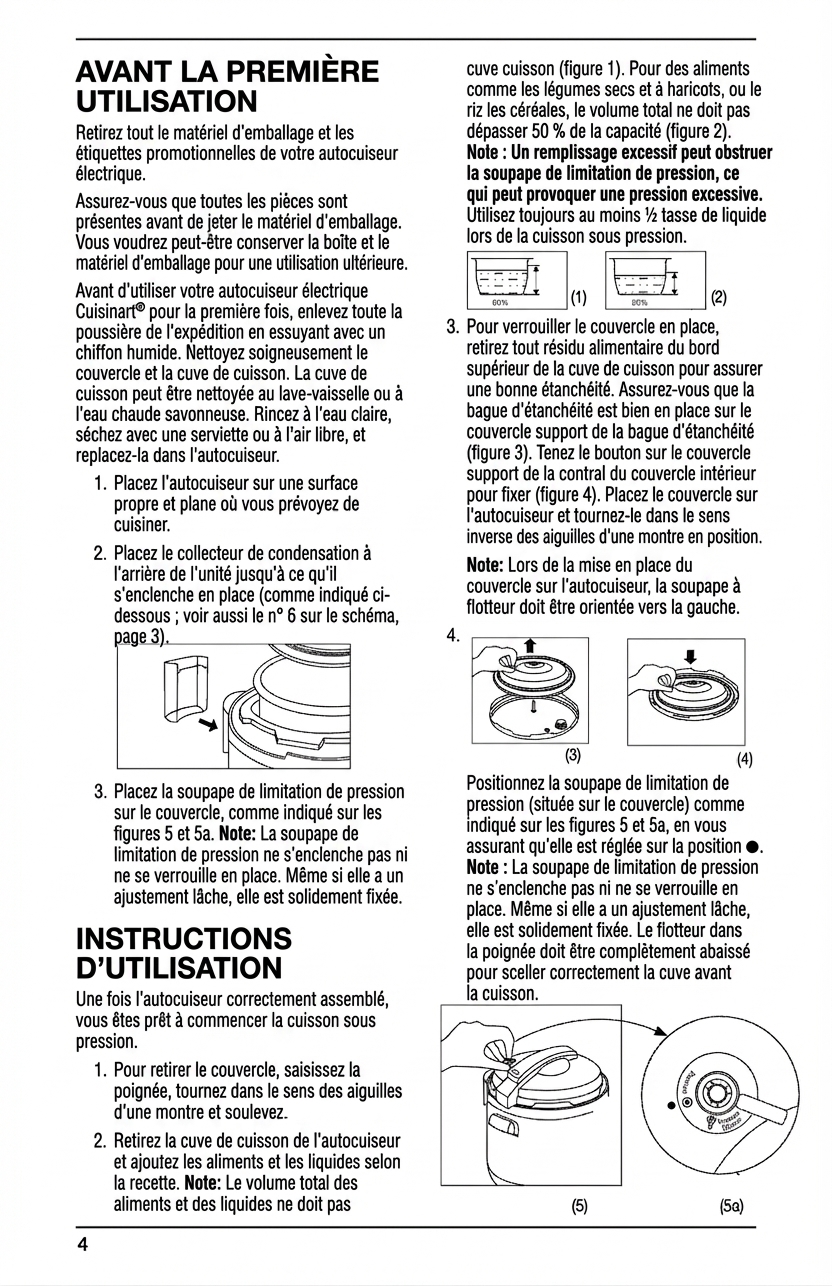
Target Languages
One source manual, many localized versions.
PixLate supports 100+ languages, so the same source manual page can become reviewed German, Hindi, French, Spanish, Portuguese, Japanese, Korean, Chinese, Arabic, Indonesian, and more.
Technical Manual Translator FAQ
Can PixLate translate manuals into several target languages?
Yes. PixLate supports multi-language manual workflows for image-based pages. Translate a source page into one target language, review it, then repeat for additional markets when needed.
What manual formats work best?
PixLate supports selectable-text PDFs, scanned PDFs, screenshots, diagrams, and page images. Use Text Layer mode for lower-cost editable text translation, or Visual AI when text is embedded in the artwork.
Should safety or compliance manuals be reviewed by a person?
Yes. AI can speed up the first pass, but safety instructions, legal notices, warnings, regulatory pages, and warranty language need qualified human review before publication.
Try one manual page
Upload a scanned manual page, translate it into a target language, and review the layout before export.
Start Free