Translate Comics and Graphic Novels Without the Layout Work
Western comics, graphic novels, and full-color sequential art — PixLate handles the speech bubbles, caption boxes, and panel layouts so your team can focus on the words.
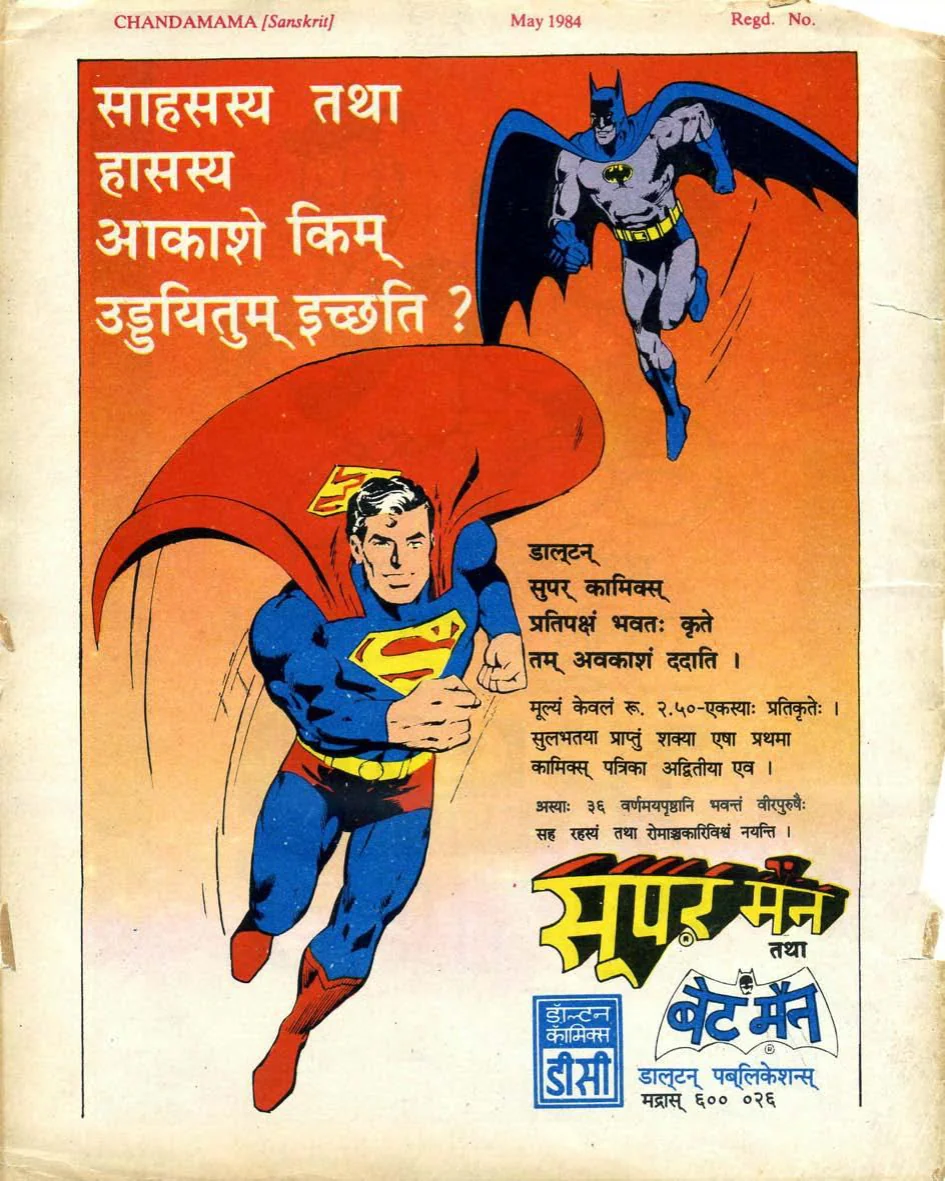
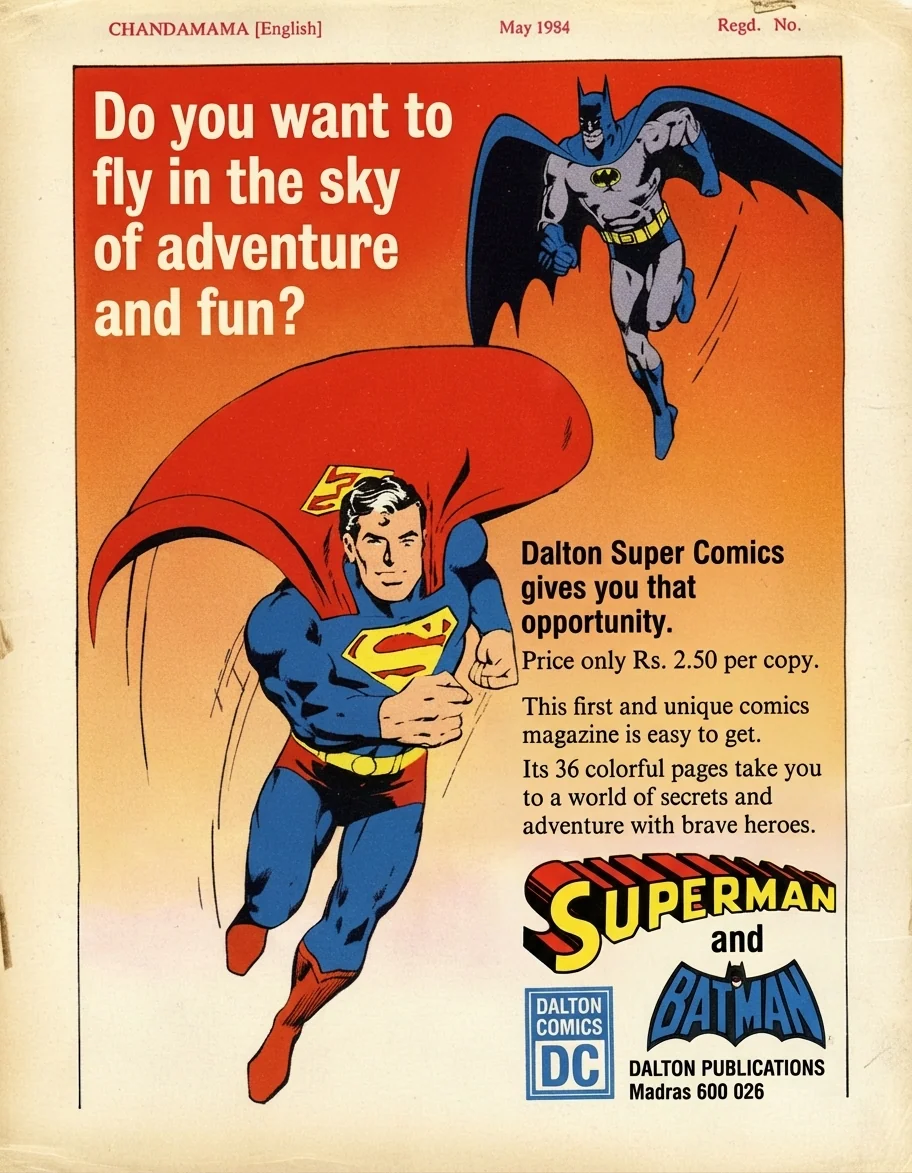
Who uses it
From small press to large-format publishers.
Comics Publishers
Localize your back catalogue and new releases into new markets without starting layout from scratch.
Independent Creators
Self-publish your graphic novel globally. Reach readers in Spanish, French, Japanese, and beyond.
Localization Teams
Speed up review cycles with AI-drafted translations. Human editors focus on fine-tuning, not layout.
Panel Layout
Keep complex multi-panel pages visible while reviewing output.
Caption Boxes
Review captions and notes in their page context.
Color Art
Use cleanup to improve scan quality before translation when needed.
Sound Effects
Translate SFX with room for manual review and correction.
Comics have different layout rules. PixLate understands them.
Unlike document translation tools, PixLate treats each page as an image. It renders a translated first pass back into the page and keeps the original nearby for review, so editors can check panel boundaries, caption boxes, and the visual rhythm before export.
- Supports PDFs and individual image files
- Edit any translation before exporting
- Export as PDF or per-page images
Three steps to a translated comic
Upload your comic
Drop a PDF or a folder of PNG/JPEG pages into the editor.
Run cleanup when useful
Improve scan quality, contrast, or color before translation.
Translate and review
Pick your target language, inspect the rendered result, and correct close misses.
PixLate is built for reviewable first passes, not invisible automation. Use it to get pages close quickly, then inspect translations, lettering, and layout before publishing.
Ready to translate your comic?
Try the full workflow free — no credit card required.
5 free cleanup pages + 5 free translation pages on sign-up.